EasyManua.ls Logo

Solartron 1287 - Parallel Poll

Default Icon
134 pages
Print Icon
To Next Page IconTo Next Page
To Previous Page IconTo Previous Page
Loading...
Setting up
a
Service
Request
The instrument
can be
enabled
to
request service
(and set the RQS
bit) for one or
more specified events.
Alternatively,
if several
of
the
status bits
must be
monitored
simultaneously,
the controller
can be programmed
to
serial
poll at
regular
intervals without
using
a SRQ at all.
To
enable a service
request, send
the remote command :
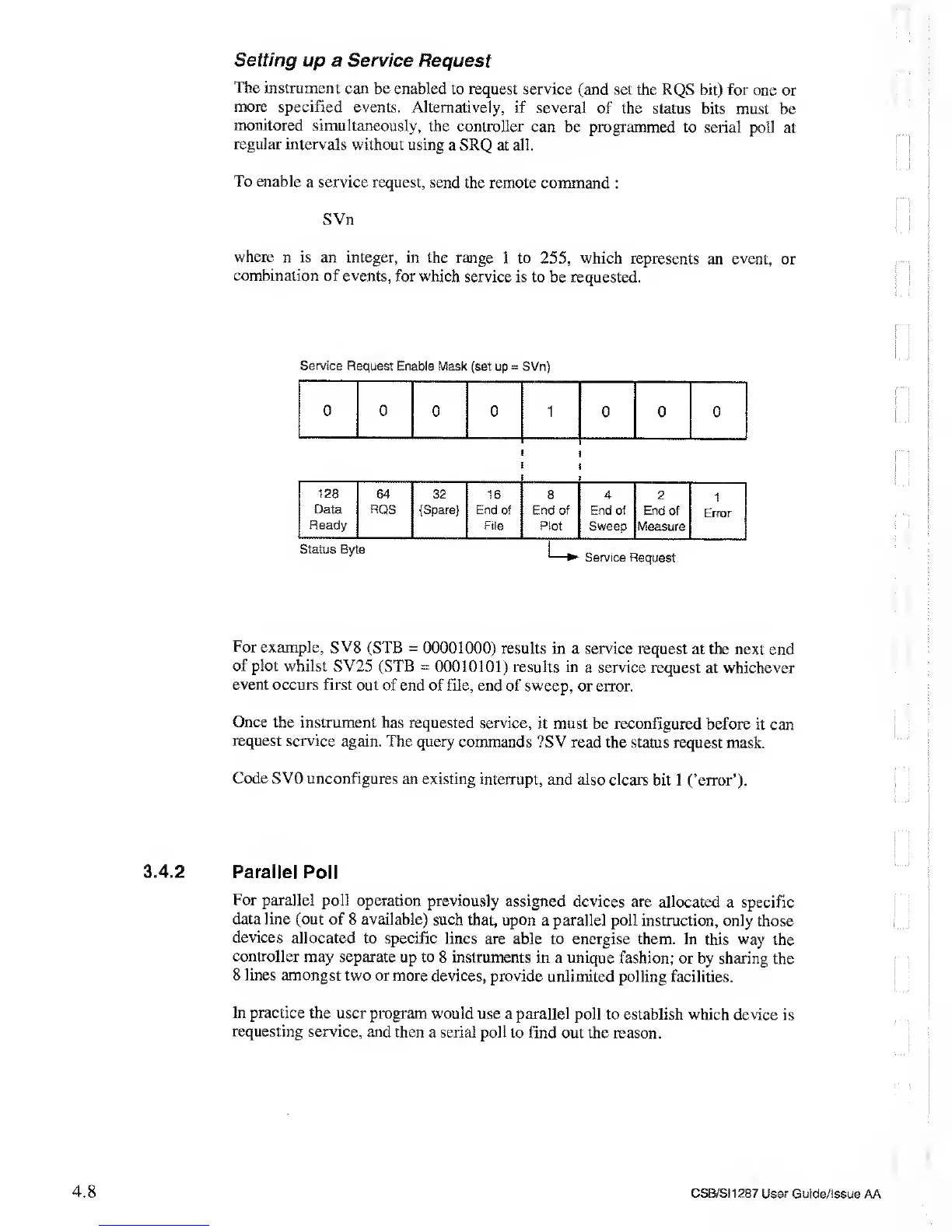
SVn
where
n is an integer,
in the range
1 to
255,
which represents
an event,
or
combination
of events, for which
service is to
be requested.
Service Request
Enable Mask
(set up
=
SVn)
0 0
0 0 1
0 0
0
128
Data
Ready
64
RQS
32
{Spare}
16
End
of
File
8
End of
Plot
4
End of
Sweep
2
End
of
Measure
1
Error
UService Request
For example, SV8
(STB
=
00001000)
results
in a
service
request
at the next end
of plot whilst SV25
(STB
=
00010101) results in
a
service
request at whichever
event occurs
first out of end
of file, end of sweep,
or error.
Once the instrument
has
requested service,
it must be reconfigured before
it can
request service
again.
The query
commands
?SV
read the status
request mask.
Code SV0
unconfigures
an existing interrupt,
and also clears bit
1
(’error’).
3.4.2 Parallel
Poll
For
parallel poll
operation previously
assigned devices are
allocated a
specific
data line
(out of 8 available)
such that, upon
a
parallel
poll instruction,
only those
devices
allocated to
specific lines are
able to energise them.
In this way the
controller may
separate up to
8
instruments
in a unique
fashion; or by sharing
the
8 lines
amongst two or more
devices, provide
unlimited polling facilities.
In practice
the user program
would use a parallel
poll to establish
which device is
requesting
service, and
then a serial poll
to find out the reason.
4.8
CSB/SI1287 User
Guide/Issue AA