6.4.4 Daily Energy
The function is for checking the energy generation for selected day.
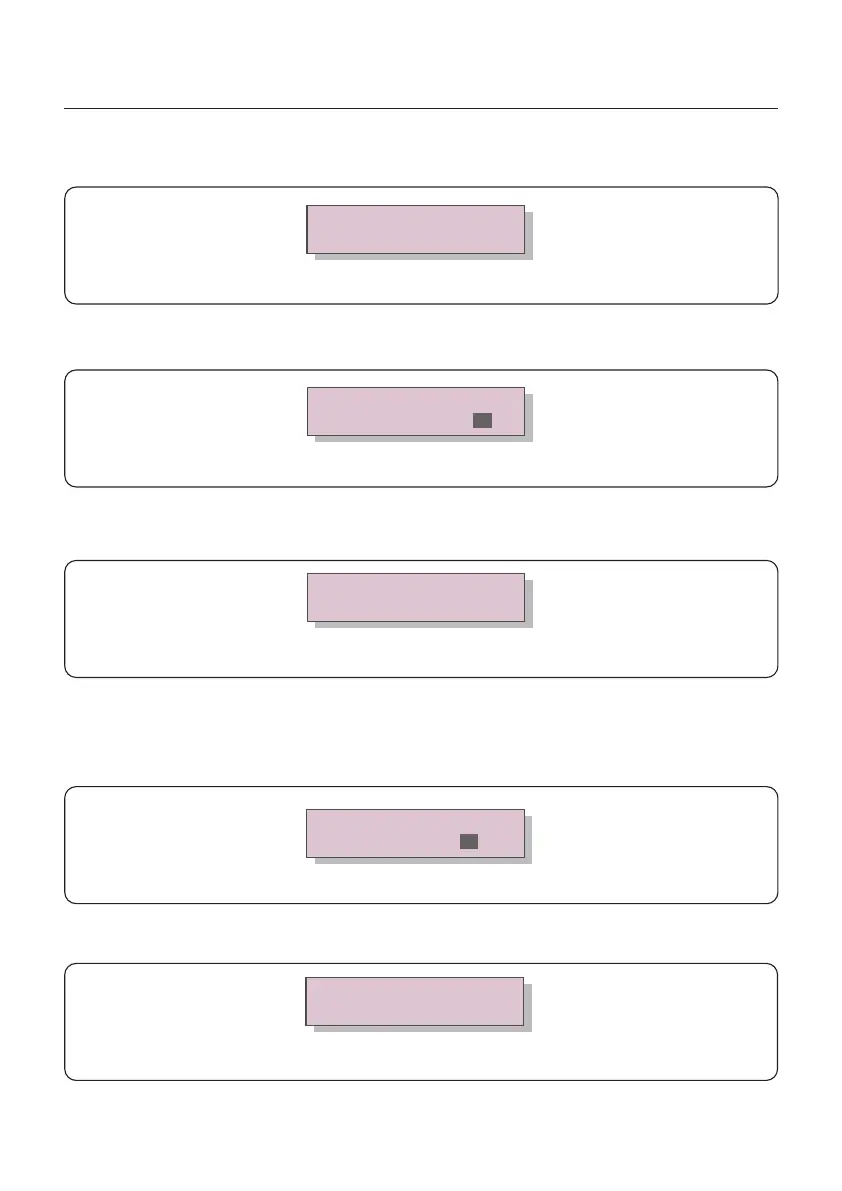
Figure 6.8 Select date for daily energy
YES=<ENT> NO=<ESC>
Select: 2020-01-01
Press DOWN key to move the cursor to day, month and year, press UP key to change the digit.
Press Enter after the date is fixed.
2020-01-01: 051.3kWh
2020-01-01: 061.5kWh
Figure 6.9 Daily energy
Press UP/DOWN key to move one date from another.
6.4.3 Version
The screen shows the model version and the software version of the Inverter
Model: 08
Software Version: D20001
Figure 6.7 Model Version and Software Version
2020-02: 0510kWh
2020-01: 0610kWh
Figure 6.11 Month energy
6.4.5 Monthly Energy
YES=<ENT> NO=<ESC>
Select: 2020-01
Figure 6.10 Select month for monthly energy
The function is for checking the energy generation for selected month.
Press DOWN key to move the cursor to day and month, press UP key to change the digit.
Press Enter after the date is fixed.
Press UP/DOWN key to move one date from another.
6. Operation
User Manual
26






 To Next Page