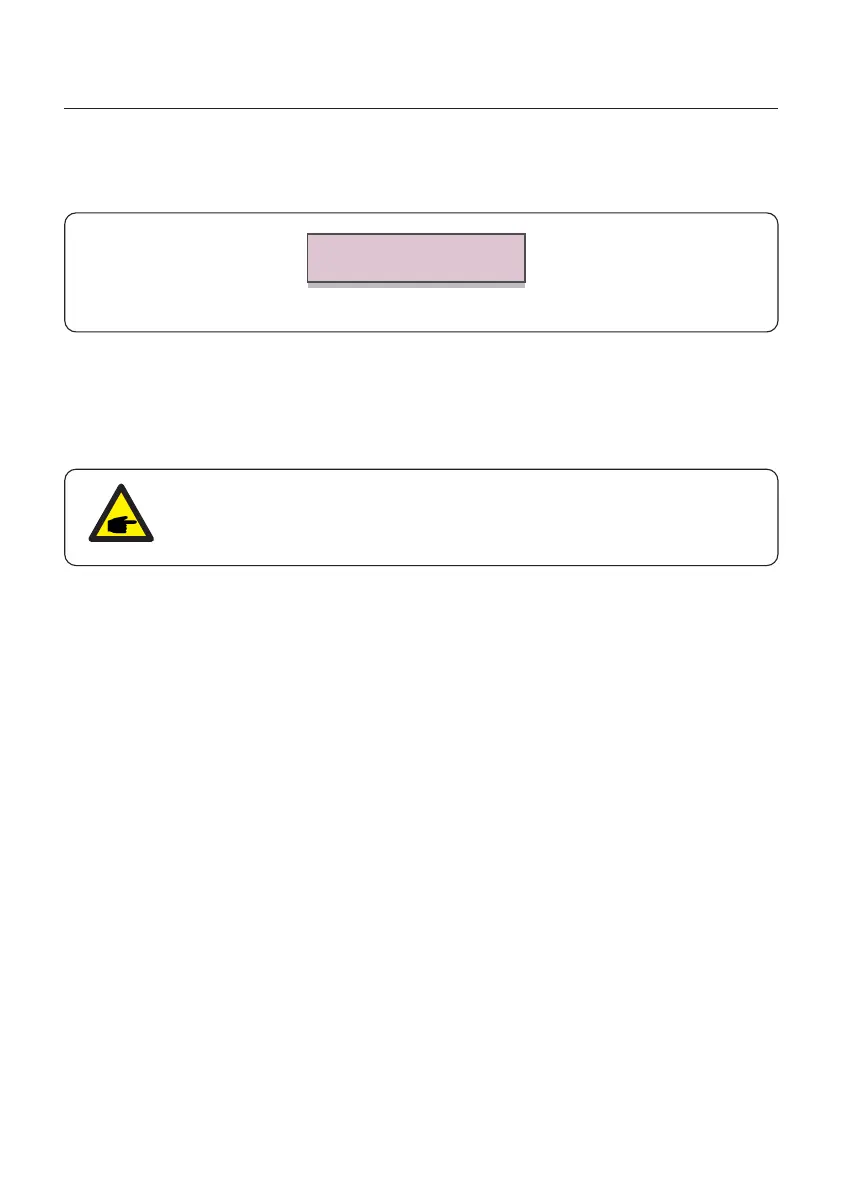
6.5.9 Restore Settings
Thescreenshowsasbelow:
Figure 6.43 Restore Settings
Are you sure?
YES=<ENT> NO=<ESC>
PresstheEnterkeytosavethesettingaftersettinggridoff.
PresstheESCkeytoreturnthepreviousmean.
Restore settings will set all items in 6.5.7 special settings to default.
6.5.10 HMI Update
This function is used for update the LCD program.
This function is for maintenance personnel only, wrong operation
will prevent the inverter from reaching maximum power.
6.5.11 Internal EPM Set
Select EPM Settings from the Main Menu to access the following options:
1. Mode Select
2. Set Backflow Power
3. Fail safe ON/OFF
6.5.11.1 Mode Select
There are 3 settings in this menu as below:
1. EPM OFF
2. Meter in Load
3. Meter in Grid
EPM OFF: Functions are disabled
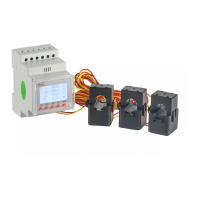
Meter in Load: Solis Smart Meter is connected in the load branch circuit.
Meter in Grid: Solis Smart Meter is connected in the grid connection point
(The backflow power is default as 0W).
6. Operation
User Manual
46






 To Next Page