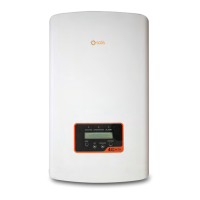
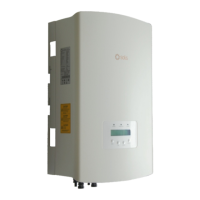
3.1 Front Panel Display
3.2 LED Status Indicator Lights
There are three LED status indicator lights in the front panel of the inverter. Left LED:
POWER LED (red) indicates the power status of the inverter. Middle LED: OPERATION
LED (green) indicates the operation status. Right LED: ALARM LED (yellow) indicates
the alarm status. Please see Table 3.1 for details
Description
The inverter detects DC power.
No DC power or low DC power.
The inverter is operating properly.
The inverter has stopped to supply power.
The inverter is initializing.
Alarm or fault condition is detected.
No fault or alarm is detected.
Status
ON
OFF
ON
OFF
OFF
ON
FLASHING
Light
POWER
OPERATION
ALARM
Table 3.1 Status Indicator Lights
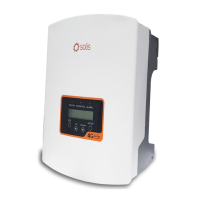
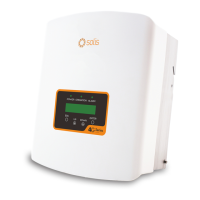
Figure 3.1 Front Panel Display
3. Overview
User Manual
7







 To Next Page
