3.3 Keypad
3.4 LCD
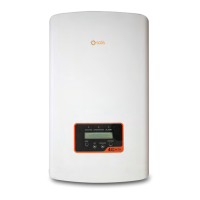
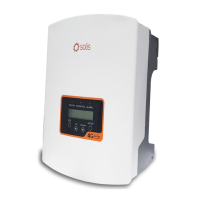
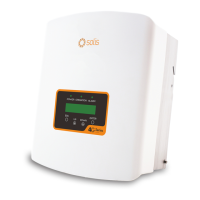
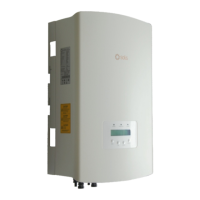
There are four keys in the front panel of the inverter (from left to right):
ESC, UP, DOWN and ENTER keys. The keypad is used for:
Scrolling through the displayed options (the UP and DOWN keys);
Access to modify the adjustable settings (the ESC and ENTER keys).
The two-line Liquid Crystal Display (LCD) is located on the front panel of the Inverter,
which shows the following information:
Inverter operation status and data;
Service messages for operator;
Alarm messages and fault indications.
3. Overview
User Manual
8







 To Next Page