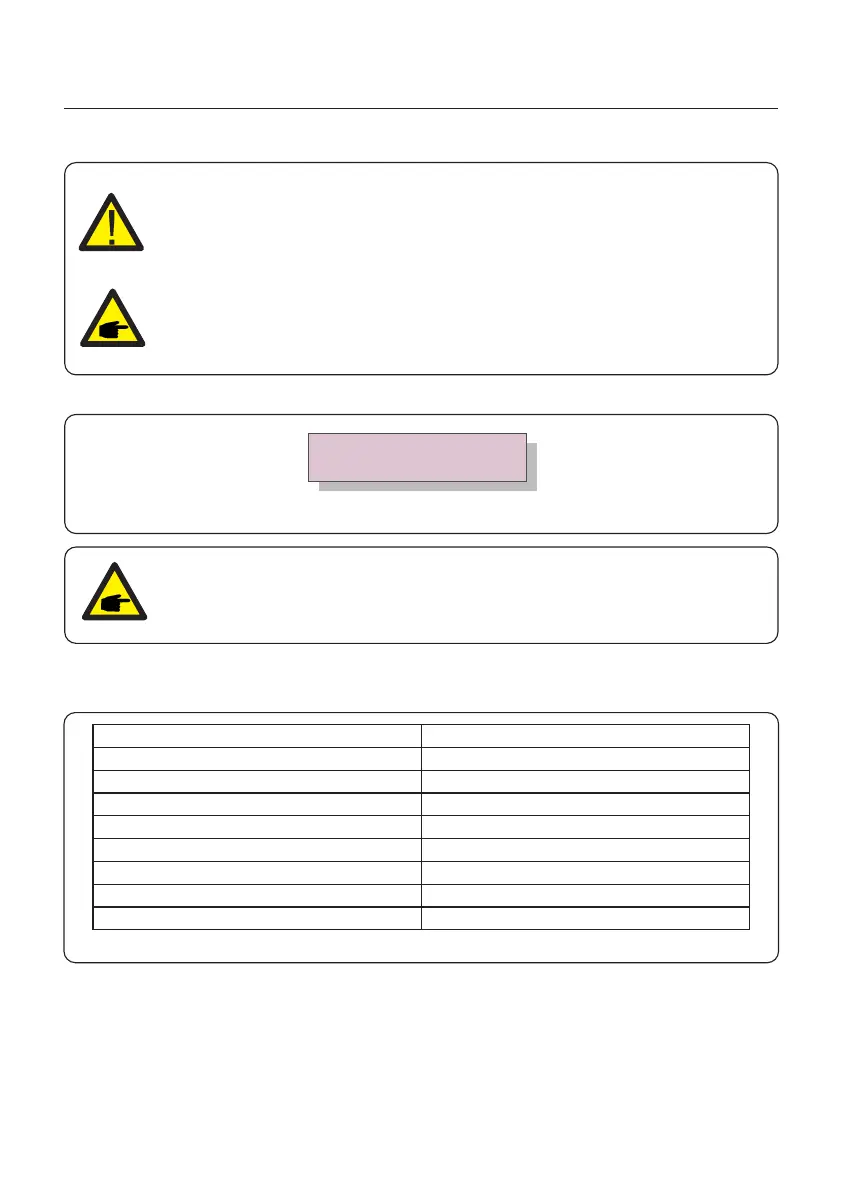
Selecting the “User-Def” menu will access to the following submenu (see Figure 6.17).
Figure 6.17
Below is the setting range for “User-Def”. Using this function, the limits can be changed
manually.
NOTE:
The " User-Def" function can be only used by the service engineer and
must be allowed by the providing utility.
OV-G-V1: 260V
OV-G-V1-T: 1S
→
Press the UP/DOWN keys to scroll through items. Press the ENTER key to edit the
highlighted item. Press the UP/DOWN keys again to change the setting. Press the
ENTER key to save the setting. Press the ESC key to exit to save and send changes or
cancel changes and return to the Advanced Settings Menu.
Table 6.2 Setting ranges for User-Def (L-N)
OV-G-V1: 220---300V
OV-G-V1-T: 0.1---9S
OV-G-V2: 220---300V
OV-G-V2-T: 0.1---1S
UN-G-V1: 110---210V
UN-G-V1-T: 0.1---9S
UN-G-V2: 110---210V
UN-G-V2-T: 0.1---1S
Startup-T: 10-600S
OV-G-F1: 50.2-53Hz(60.2-63Hz)
OV-G-F1-T: 0.1---90S
OV-G-F2: 51-53Hz(61-63Hz)
OV-G-F2-T: 0.1---9S
UN-G-F1: 47-49.5Hz(57-59.5Hz)
UN-G-F1-T: 0.1---9S
UN-G-F2: 47-49Hz(57-59Hz)
UN-G-F2-T: 0.1---9S
Restore-T: 10-600S
6. Operation
User Manual
29
NOTE:
This function is for technicians use only.
NOTE:
The default setting is 240V single phase “UL-240V-18”, otherwise, refer to
local requirements.






 To Next Page