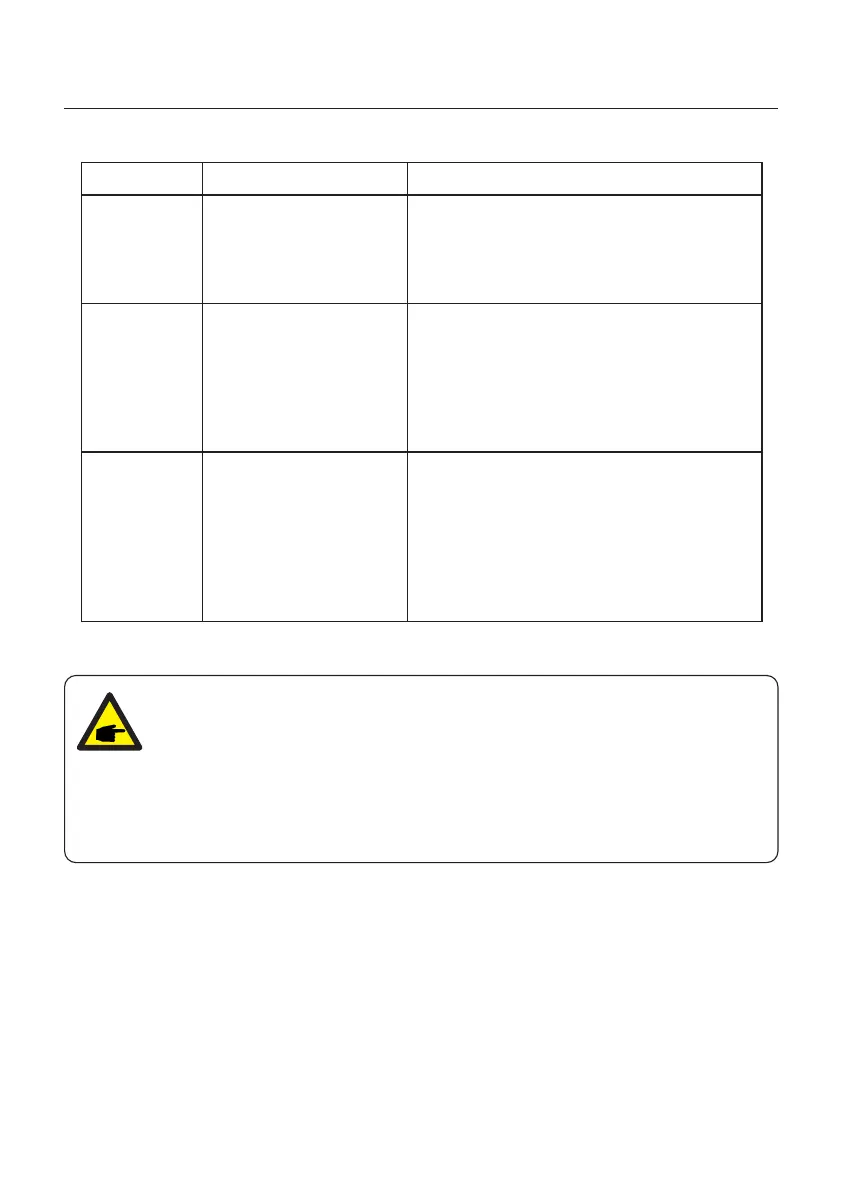
Alarms
Cause Solution
ARC-FAULT
• Inverter detects arc
in DC circuit
Inspect installation
• Check cable with string tester
• Physically check cables
• Inspect panel junction boxes
• Inspect cable connections
• Reset inverter
• Replace inverter
AFCI Check
FAULT
• AFCI module self
check fault
Reset Inverter
• DC switch OFF
• Wait until all lights/LCD turn off
• DC switch ON
• Replace inverter
Screen OFF
with DC applied
• Inverter internally
damaged
• Do not turn off the DC switches as it will
damage the inverter.
Please wait for the solar irradiance reduces •
and confirm the string current is less than
0.5A with a clip-on ammeter and then turn
off the DC switches.
Please note that any damages due to wrong •
operations are not covered in the device
warranty.
NOTE:
If the inverter displays any alarm message as listed in Table 8.1; please
turn off the inverter (refer to Section 5.2 to stop your inverter) and wait for 5
minutes before restarting it (refer to Section 5.1 to start your inverter). If the
failure persists, please contact your local distributor or the service center.
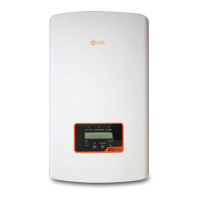
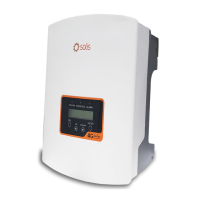
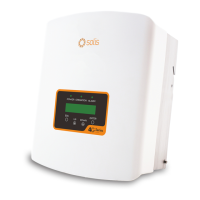
Please keep ready with you the following information before contacting us.
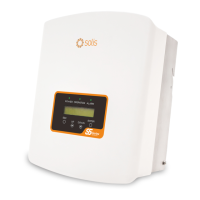
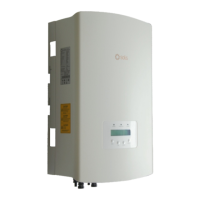
1. Serial number of Solis Single Phase Inverter;
2. The distributor/dealer of Solis Single Phase Inverter (if available);
3. Installation date.
4. The description of problem (i.e. the alarm message displayed on the LCD and the
status of the LED status indicator lights. Other readings obtained from the Information
submenu (refer to Section 6.2) will also be helpful.);
5. The PV array configuration (e.g. number of panels, capacity of panels, number of
strings, etc.);
6. Your contact details.
Table 8.1 Fault messages and descriptions
8. Troubleshooting
User Manual
54






 To Next Page