User Manual
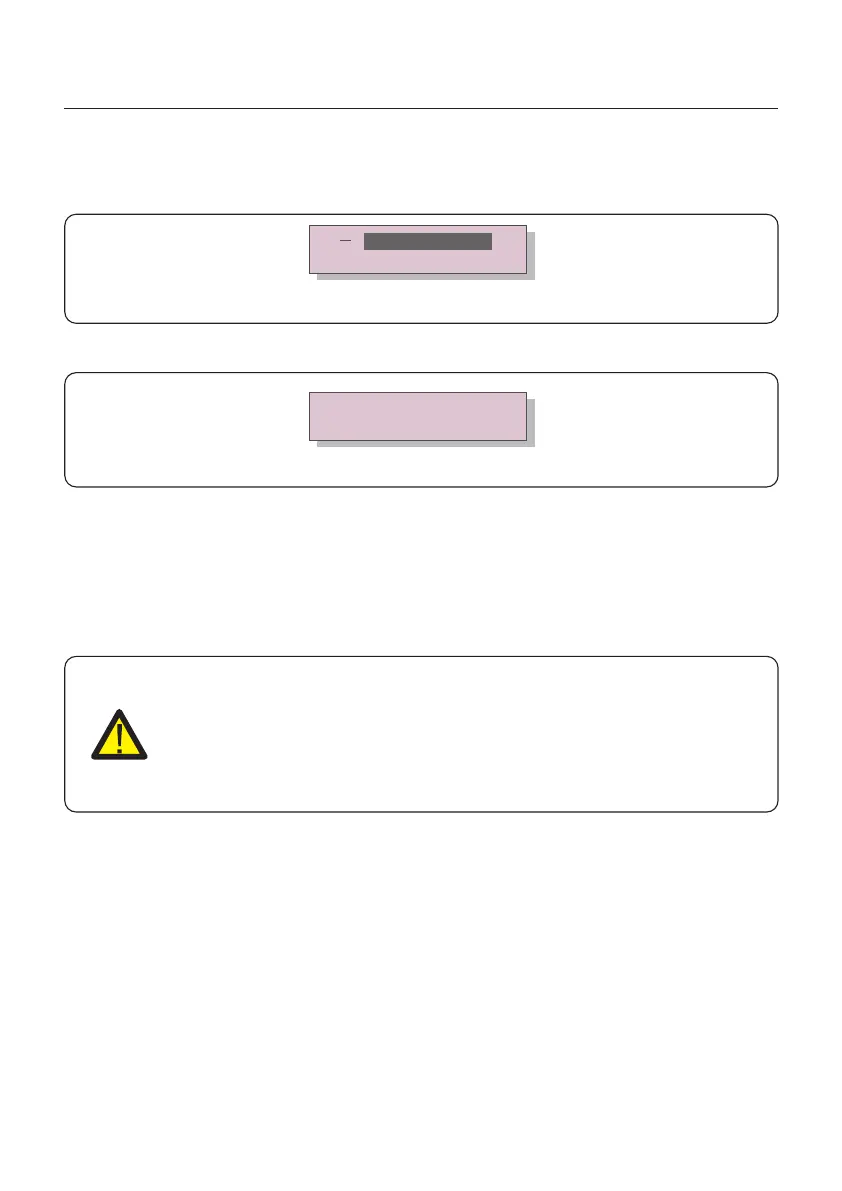
3. Use the UP/DOWN keys to highlight the SELECT STANDARD option. Press enter to
select.
Figure 5.4
4. Select the grid standard for the country of installation.
YES=<ENT> NO=<ESC>
Standard:UL-480V-A
Press the UP or DOWN key to select the standard. Press the ENTER key to confirm the setting.
Press the ESC key to cancel changes and return to the previous menu.
5.3 Setting a custom grid standard
WARNING
● Failure to set the correct grid standard could result in improper operation
of the inverter, inverter damage or the inverter not operating at all.
● Only certified personnel should set the grid standard.
● Only set the grid configuration that is approved by your location and
national grid standards.
1. Please refer to section 6.7 “Advanced Settings” for procedures to create a custom grid
configuration for User-Def menu option.
Figure 5.3
Select Standard
Grid ON/OFF
UL-480V-18, R21P3-480, ISONE480 are available for U.S.
5. Commissioning
37



 To Next Page