MPI-520 OPERATING MANUAL version 3.4
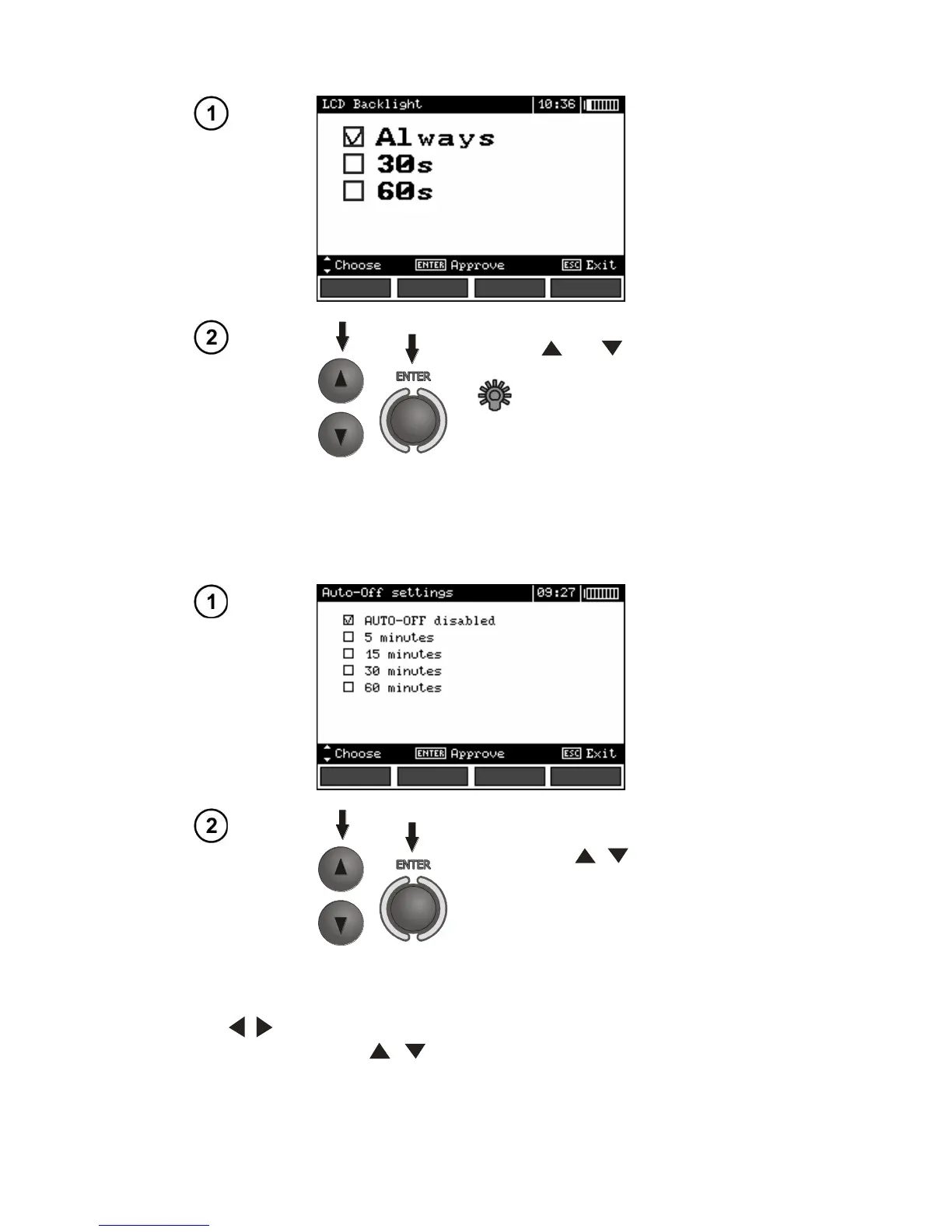
Use the and buttons to se-
lect the backlight off (with the
button) or time to Auto-off. Press
ENTER to validate.
2.3.3 Auto-OFF settings
The setting defines time till automatic shutdown of idle meter.
Set the time or deactivate Auto-OFF
by means of , push-buttons;
confirm a choice made by means of
ENTER push-button.
2.3.4 Date and time
By means of , push-buttons select the value to be changed (day, month, year, hour, minute).
Set a required value by means of , push-buttons. When required settings are made, press
ENTER push-button.



 To Next Page