Additional Information
113
GB
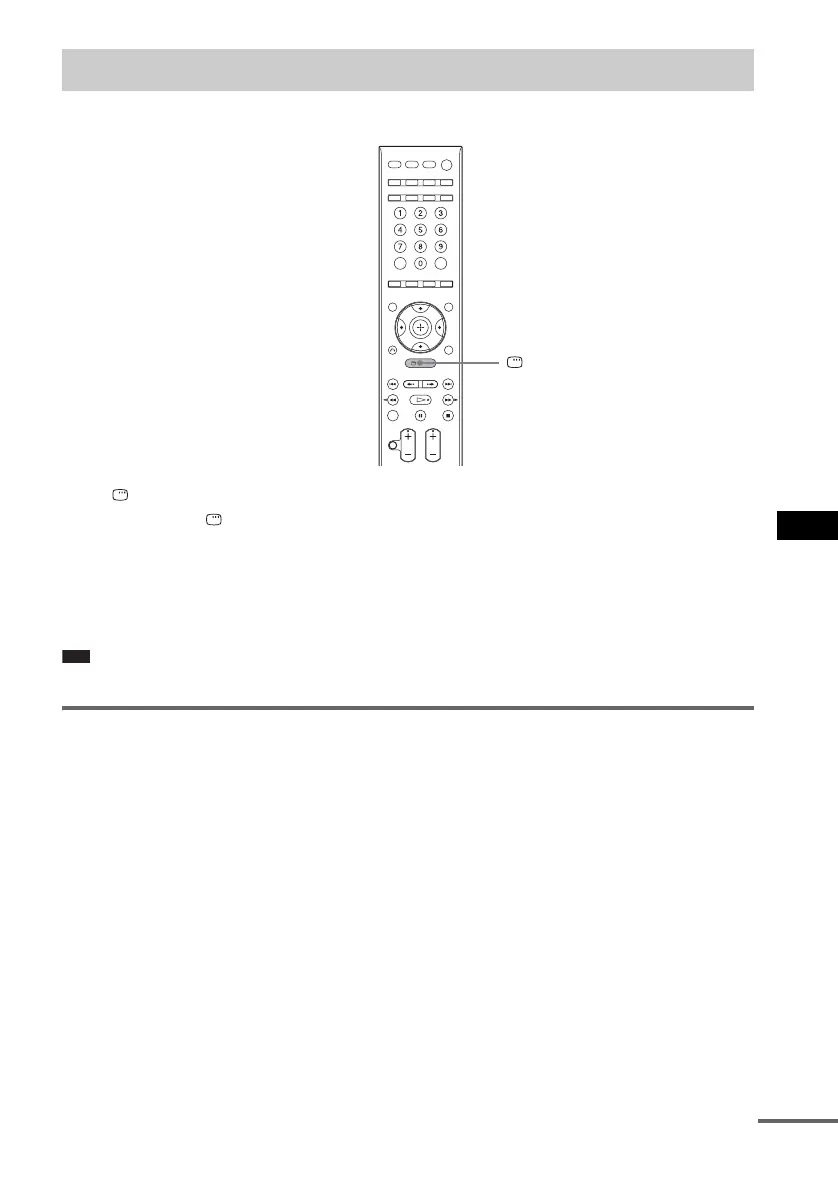
You can use the Control Menu display to select a function and to view related information.
Press DISPLAY repeatedly.
Each time you press DISPLAY, the Control Menu display changes:
1 t 2 t ... t 1 t ...
1 Control Menu display 1
2 Control Menu display 2 (appears for certain disc only)
3 Control Menu display off
Note
• The Control Menu Display appears only during the “DVD” function.
Control Menu display
The Control Menu display 1 and 2 will show different items depending on the disc type. For details
about each item, see the pages in parentheses.
Guide to the Control Menu Display
DISPLAY
cont
nue





 To Next Page