Various Functions for Playing Discs
47
GB
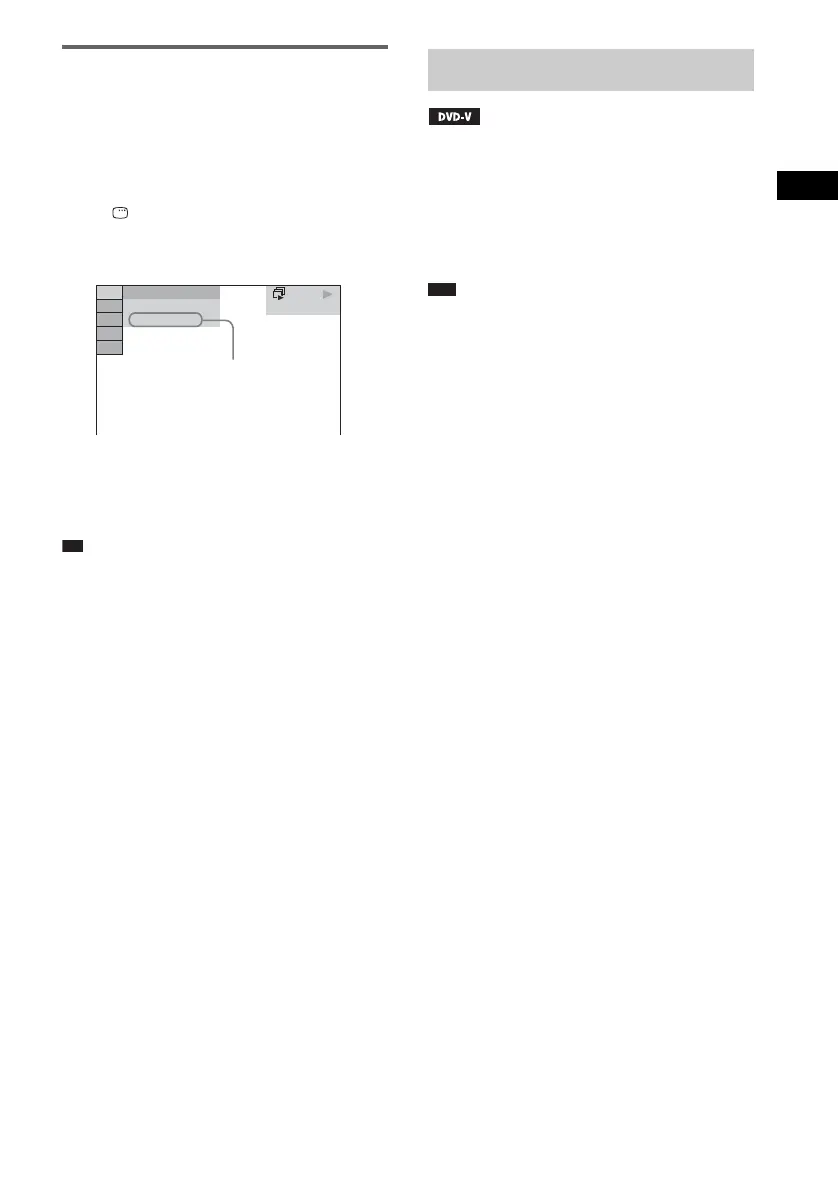
Checking the date
information of JPEG image
file
You can check the date information during
playback when the Exif* tag is recorded in the
JPEG image file.
Press DISPLAY twice during playback.
The Control Menu display appears on the TV
screen.
* “Exchangeable Image File Format” is a digital
camera image format defined by the Japan
Electronics and Information Technology Industries
Association (JEITA).
Ti
• Date information is [MM/DD/YYYY].
MM: Month
DD: Day
YYYY: Year
• Date information differs depending on the area.
If various angles (multi-angles) for a scene are
recorded on a DVD VIDEO, you can change the
viewing angle.
Press ANGLE during playback to select the
desired angle.
Note
• Depending on the DVD VIDEO, you may not be able
to change the angle even if multi-angles are recorded
on the DVD VIDEO.
DATA CD
JPEG
10( 15)
5( 8)
9/18/2002
Date information
Changing the Angles












 To Next Page