Other Operations
77
GB
The brightness of the front panel display can be
set to either of 2 levels.
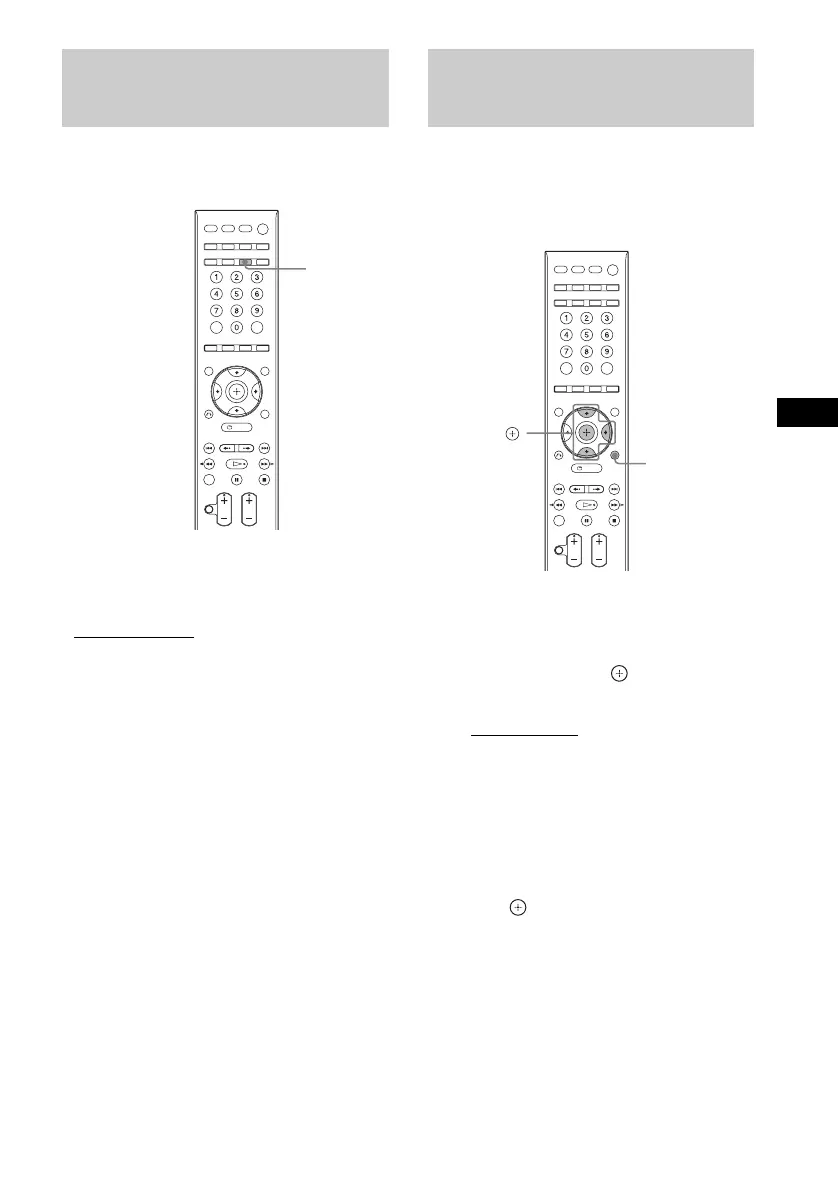
Press DIMMER.
Each time you press DIMMER, the brightness of
the front panel display changes.
• “DIMMER OFF”
: Bright.
• “DIMMER ON”: The front panel display
becomes dark.
You can change the displayed information in the
front panel display.
1 Press SYSTEM MENU.
2 Press X/x repeatedly until “INFO
MODE” appears in the front panel
display, then press or c.
3 Press X/x to select a setting.
• “STANDARD”: displays information
fully such as the kind of disc, track
number, repeat mode information, radio
frequency, etc., for the selected function.
For details of the displayed information,
see “Front Panel Display” (page 110).
• “SIMPLE”: displays the selected function
name only.
4 Press .
The setting is made.
5 Press SYSTEM MENU.
The system menu turns off.
Changing the Brightness
of the Front Panel Display
DIMMER
Changing the Display
Mode
(INFORMATION MODE)
SYSTEM
MENU
X/x/c,












 To Next Page