88
GB
• You can select [(1920×1080i)HD ] or
[(1920×1080i)HD] only when you set [HDMI
RESOLUTION] in [HDMI SETUP] to
[1920×1080i].
• If you select [(1920×1080i)HD ] or
[(1920×1080i)HD], next image appears after black
screen.
• HDMI signal will stop momentarily when the system
is loading or unloading a DATA CD or DATA DVD
disc.
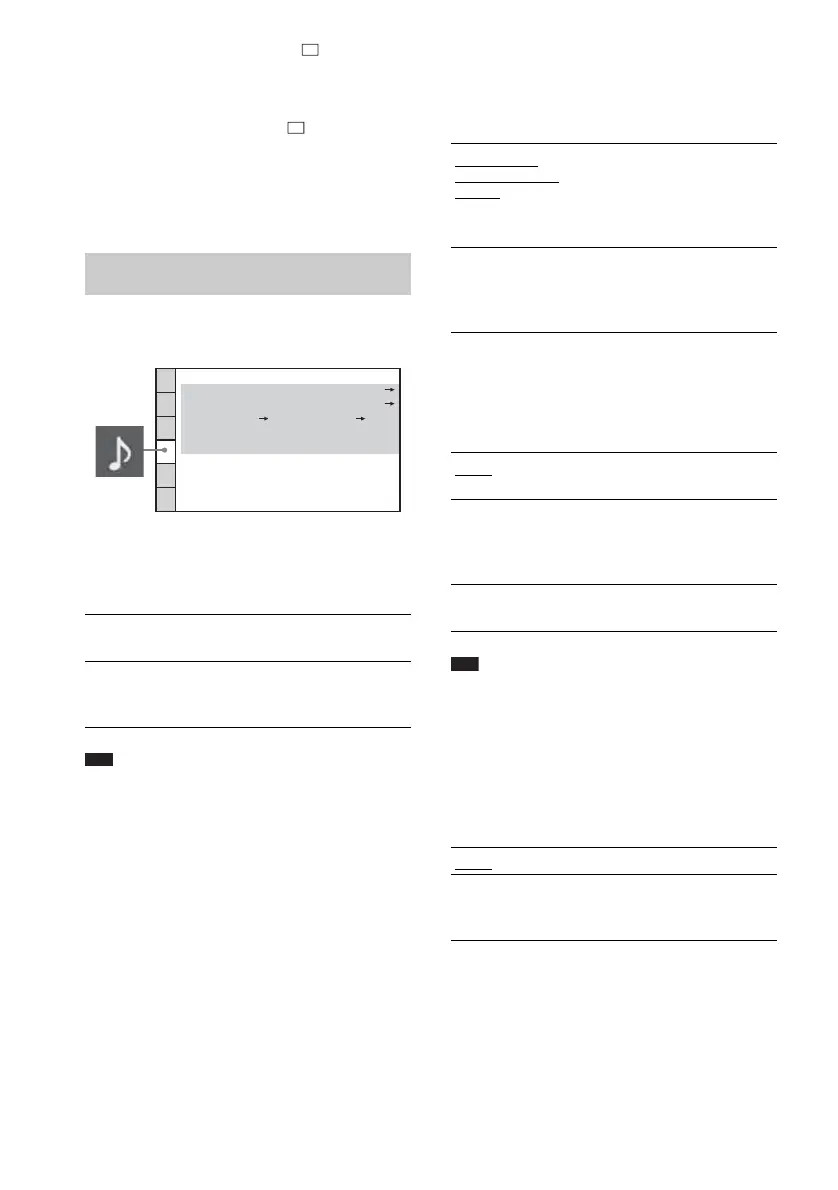
x [S-AIR SETUP]
You can set up the S-AIR setting. For details,
see “Using an S-AIR Product” (page 67).
Note
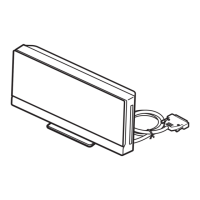
• This function is available only when the S-AIR
transmitter (not supplied) is inserted into the S-AIR
main unit.
x [AUTO CALIBRATION]
You can calibrate the appropriate settings
automatically. For details, see “Calibrating the
Appropriate Settings Automatically” (page 81).
x [DIGITAL IN]
You can assign a digital sound input
corresponding with the function “TV” and
“SAT/CABLE.”
x [AUDIO DRC] (DVD VIDEO only)
You can compress the dynamic range of the
sound track. [AUDIO DRC] is useful for
watching movies at low volume late at night.
Note
• [AUDIO DRC] works only for Dolby Digital.
x [TRACK SELECTION] (DVD VIDEO only)
You can give the sound track which contains the
highest number of channels priority when you
play a DVD VIDEO on which multiple audio
formats (PCM, DTS, Dolby Digital, or MPEG
audio) are recorded.
Settings for the Audio
[AUDIO SETUP]
[ID]
You can set the ID of the S-AIR
main unit.
[PAIRING]
You can pair the system and
S-AIR sub unit, such as surround
amplifier or S-AIR receiver.
AUDIO SETUP
AUTO CALIBRATION:
S-AIR SETUP:
DIGITAL IN: TV OPT, SAT/CABLE COAX
OFF
OFF
AUDIO DRC:
TRACK SELECTION:
[TV t OPT,
SAT/CABLE t
COAX]
Optical audio input signals are
assigned to “TV” function,
coaxial audio input signals are
assigned to “SAT/CABLE”
function.
[TV t COAX,
SAT/CABLE t
OPT]
Coaxial audio input signals are
assigned to “TV” function, optical
audio input signals are assigned to
“SAT/CABLE” function.
[OFF]
No compression of dynamic
range.
[STANDARD]
The system reproduces the sound
track with the kind of dynamic
range that the recording engineer
intended.
[MAX]
The system compresses dynamic
range fully.
[OFF]
Off.
[AUTO]
The system selects the sound track
automatically according to the
priority.





 To Next Page