Advanced Settings and Adjustments
89
GB
Note
• When you set the item to [AUTO], the language may
change. The [TRACK SELECTION] setting has
higher priority than the [AUDIO] settings in
[LANGUAGE SETUP] (page 84). (Depending on
the disc, this function may not work.)
• If PCM, DTS, Dolby Digital sound, and MPEG audio
have the same number of channels, the system selects
PCM, DTS, Dolby Digital sound, and MPEG audio in
this order.
x [SCREEN SAVER]
You can reduce the display device damages
(ghosting). Press any button (e.g., H button) to
cancel the screen saver.
x [BACKGROUND]
You can select the background colour or picture
on the TV screen in stop mode or while playing
a CD, DATA CD (MP3 file)
, or
DATA DVD
(MP3 file).
x [PARENTAL CONTROL]
You can set the playback restrictions. For
details, see “Restricting Playback of the Disc”
(page 79).
x [DivX]
You can display the registration code for
this system. For more information, go to
http://www.divx.com on the Internet.
x [MULTI-DISC RESUME] (DVD VIDEO/
VIDEO CD only)
You can set the [MULTI-DISC RESUME]
function to on or off.
x [RESET]
You can return the [SETUP] settings other than
[PARENTAL CONTROL] to the default
settings. For details, see “Returning the
[SETUP] settings to the default” (page 93).
Other Settings
[SYSTEM SETUP]
[ON]
The screen saver image appears
when you leave the system in pause
or stop mode for about 15 minutes,
or when you play back a
CD
,
DATA CD
(
MP3
file), or
DATA
DVD
(
MP3
file) for more than
15 minutes.
[OFF]
Off.
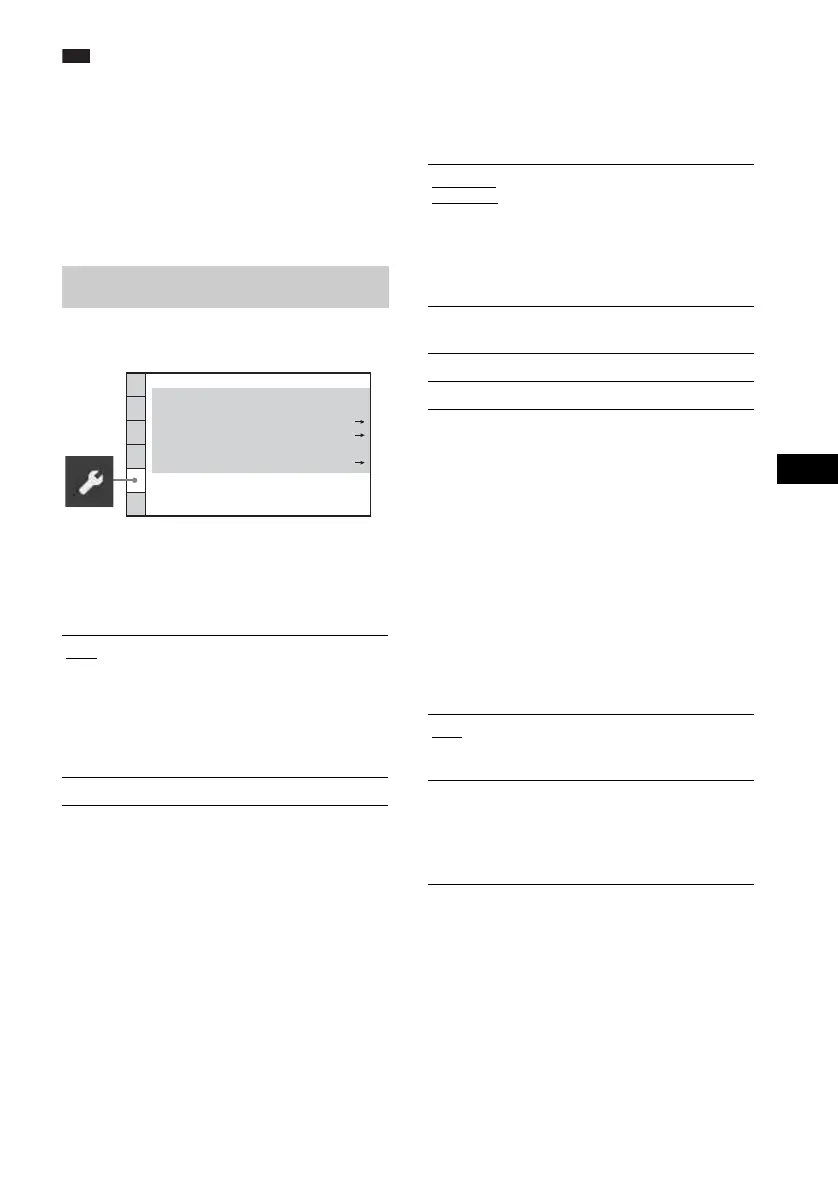
SYSTEM SETUP
BACKGROUND:
SCREEN SAVER:
PARENTAL CONTROL:
JACKET PICTURE
ON
MULTI-DISC RESUME:
ON
Registration Code
RESET:
DivX:
[JACKET
PICTURE]
The jacket picture (still picture)
appears, but only when the jacket
picture is already recorded on the
disc (CD-EXTRA, etc.). If the
disc does not contain a jacket
picture, the [GRAPHICS] picture
appears.
[GRAPHICS]
A preset picture stored in the
system appears.
[BLUE]
The background is blue.
[BLACK]
The background is black.
[ON]
The system stores the resume
points in memory for up to 10
discs.
[OFF]
The system does not store the
resume points in memory.
Playback restarts at the resume
point only for the current disc in
the system.












 To Next Page