36
GB
Basic Operations
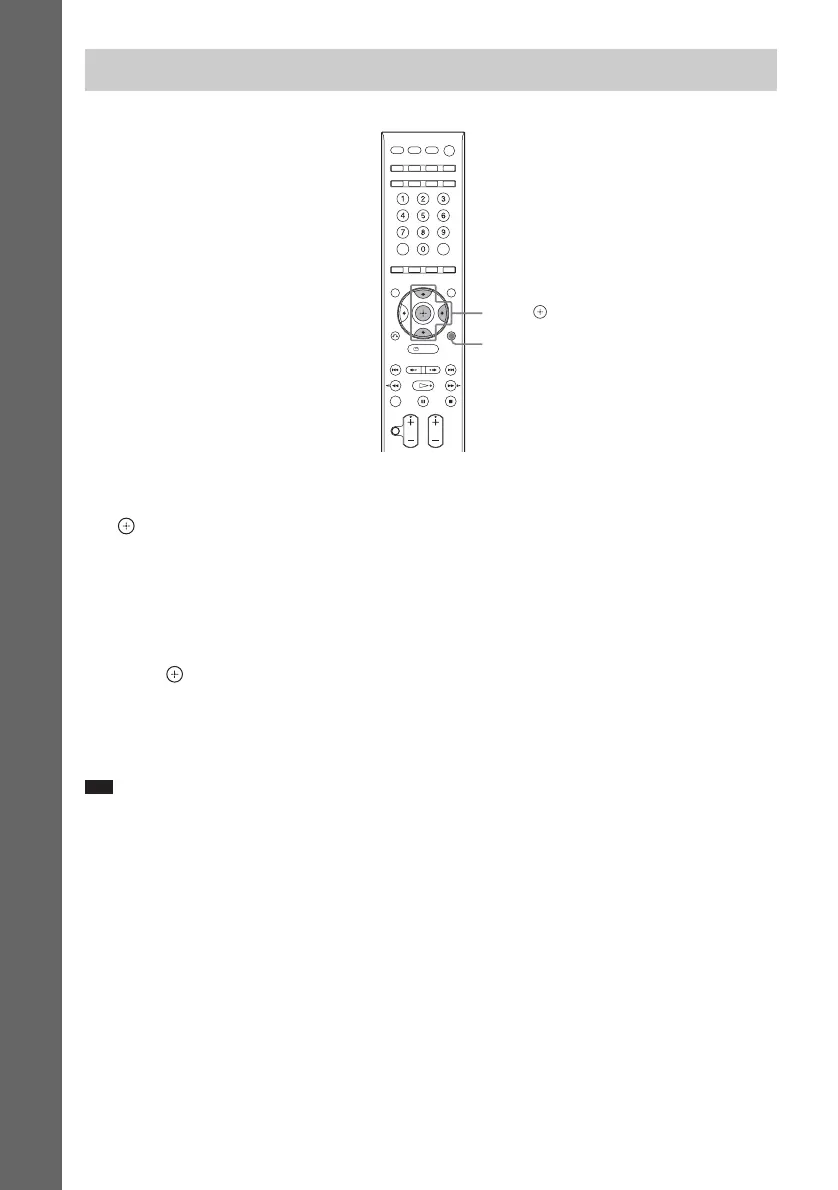
1 Press SYSTEM MENU.
2 Press X/x repeatedly until “DEC. MODE” appears in the front panel display, then press
or c.
3 Press X/x repeatedly until the decoding mode you want appears in the front panel
display.
When you want to output the TV sound or stereo sound of a 2 channel source from all speakers,
select “PLII MOVIE” or “PLII MUSIC” decoding mode.
For details, see page 56.
4 Press .
The setting is made.
5 Press SYSTEM MENU.
The system menu turns off.
Note
• Depending on your TV, you may need to turn off your TV’s speaker to enjoy surround sound of the system.
Enjoying Sound from all Speakers
X/x/c,
SYSTEM
MENU












 To Next Page