Sound Adjustments
59
GB
You can adjust the bass, middle, and treble level
easily.
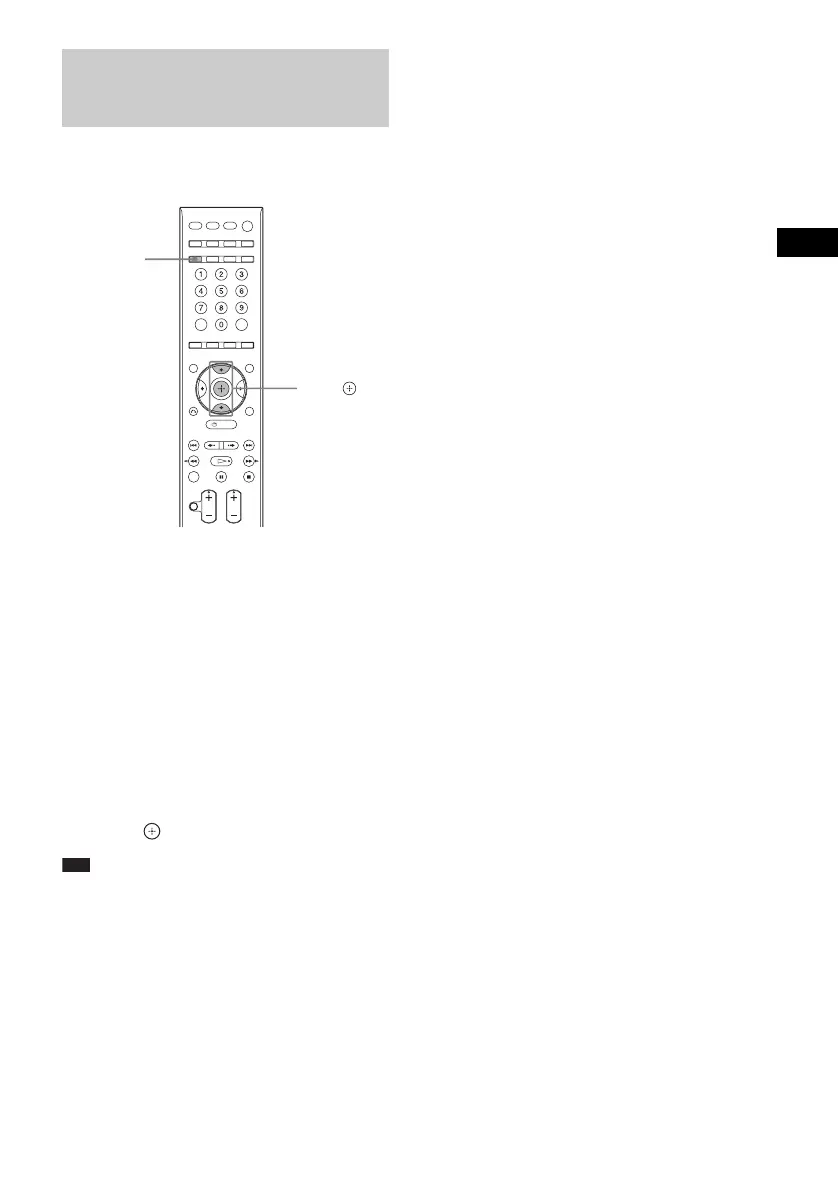
1 Press TONE repeatedly until “BASS,”
“MIDDLE,” or “TREBLE” appears in the
front panel display.
• “BASS”: adjusts the bass level
(–6.0 – +6.0 dB, 0.5 dB increments).
• “MIDDLE”: adjusts the middle level
(–6.0 – +6.0 dB, 0.5 dB increments).
• “TREBLE”: adjusts the treble level
(–6.0 – +6.0 dB, 0.5 dB increments).
2 Press X/x to adjust.
The adjusted value appears in the front
panel display.
3 Press .
Note
• Depending on the sound mode, the sound effect may
be less noticeable
• Adjustment of “MIDDLE” is not available when you
connect headphones to the surround amplifier.
Adjusting the Bass,
Middle, and Treble Level
TONE
X/x,












 To Next Page