60
GB
You can preset 20 FM stations, and 10 AM
stations. Before tuning, make sure to turn down
the volume to minimum.
Ti
• You can operate the tuner function by observing the
following display on the TV screen.
1 Press FUNCTION repeatedly until “FM”
or “AM” appears in the front panel
display.
2 Press and hold TUNING +/– until the
auto scanning starts.
Scanning stops when the system tunes in a
station. “TUNED” and “STEREO” (for
stereo program) light up in the front panel
display.
3 Press SYSTEM MENU.
4 Press X/x repeatedly until “MEMORY”
appears in the front panel display.
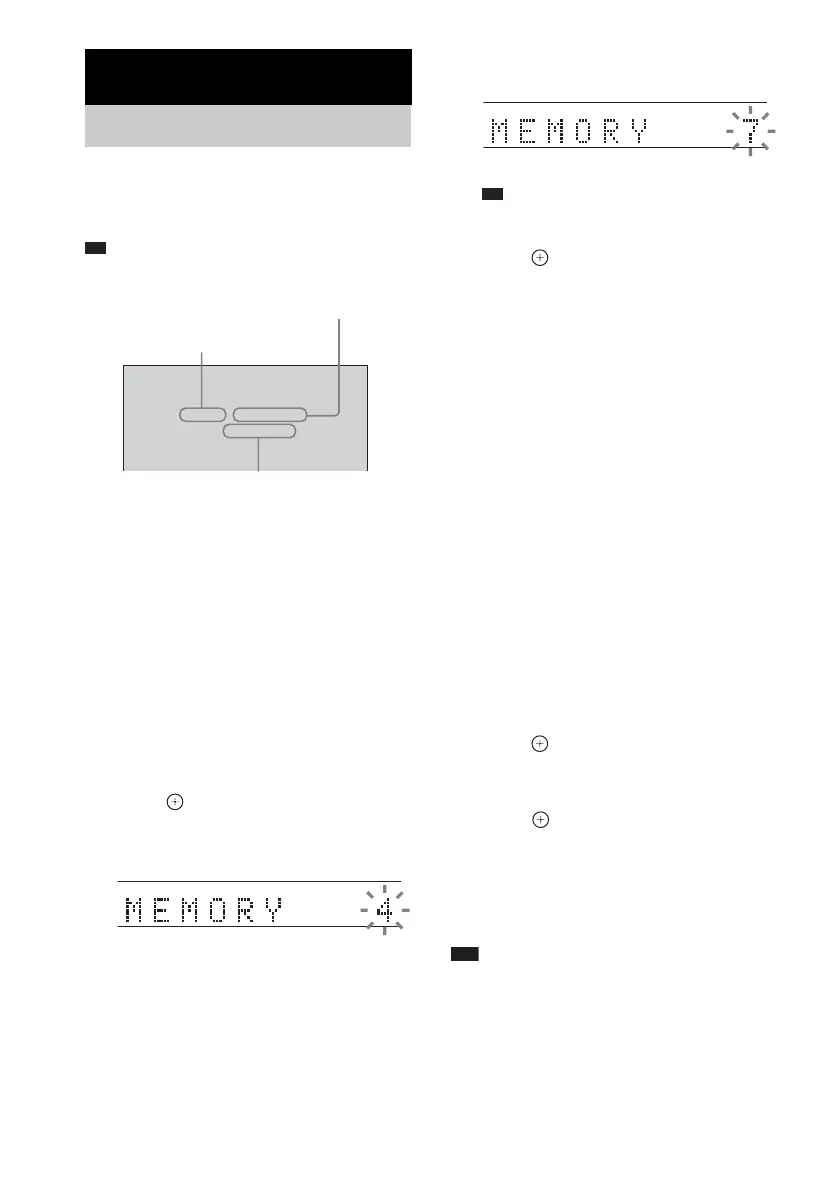
5 Press or c.
A preset number appears in the front panel
display.
6 Press X/x to select the preset number
you want.
Ti
• You can select the preset number directly by
pressing the numeric buttons.
7 Press .
“COMPLETE” appears in the front panel
display, and the station is stored.
8 Repeat steps 2 to 7 to store other
stations.
9 Press SYSTEM MENU.
The system menu turns off.
To change the preset number
Select the desired preset number by pressing
PRESET +/– (page 61), then perform the
procedure from step 3.
To change the AM tuning interval
The AM tuning interval can be set to either
10 kHz or 9 kHz
1 Press FUNCTION repeatedly until “AM”
appears in the front panel display.
2 Press SYSTEM MENU.
3 Press X/x repeatedly until “AM STEP”
appears in the front panel display, then
press or c.
“9K t 10K” or “10K t 9K” appears in
the front panel display.
4 Press .
“COMPLETE” appears in the front panel
display. The AM tuning interval is changed.
5 Press SYSTEM MENU.
The system menu turns off.
Note
• If you change the interval, AM preset stations will be
erased.
Tuner Functions
Presetting Radio Stations
FM 10 : 88.00 MHz
SONY RADIO
FM
Station name
Current band and preset number
Current station
TUNED STEREO
TUNED STEREO












 To Next Page