76
GB
You can enjoy sound effects or dialogue, as you
would in a movie theatre, even at low volume. It
is useful for watching movies at night.
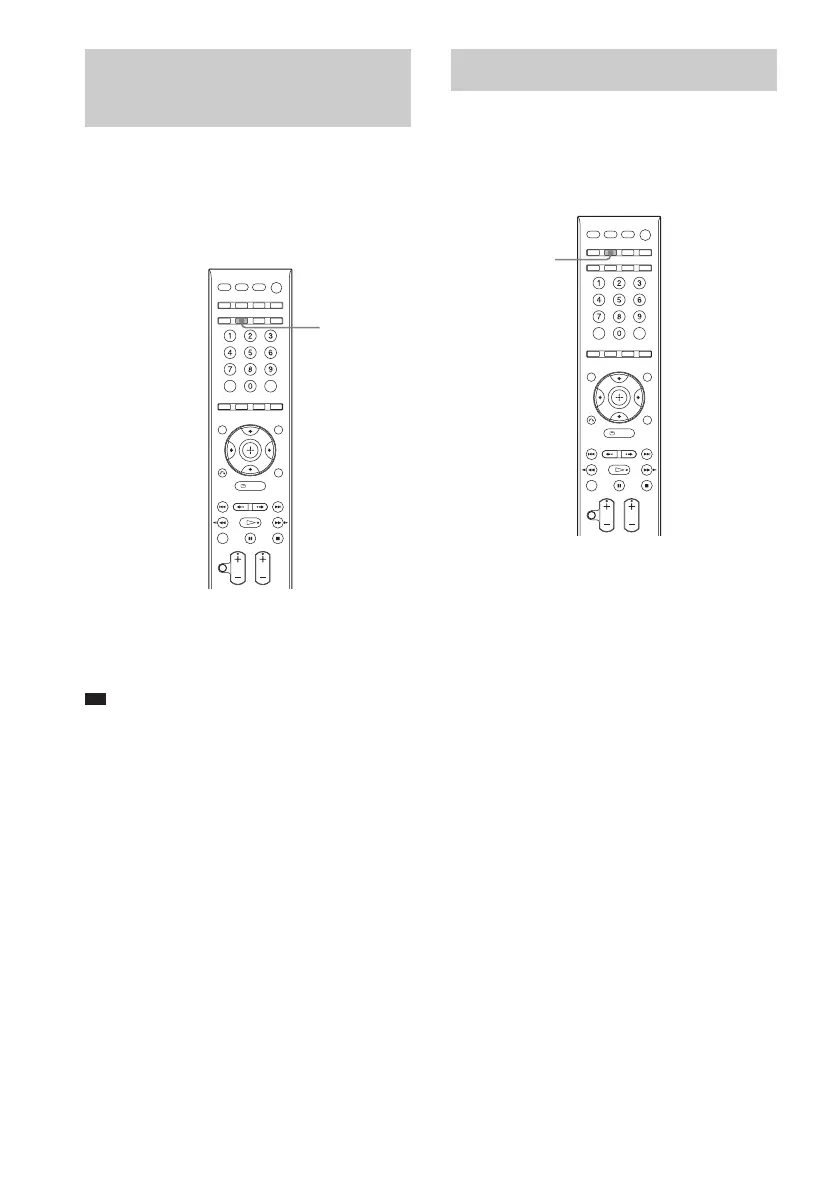
Press NIGHT.
“NIGHT” lights up in the front panel display and
the sound effect is activated.
Ti
• To enjoy more effects, set [AUDIO DRC] to
[STANDARD] or [MAX] (page 88).
To turn off the sound effect
Press NIGHT again.
You can set the system to turn off at a preset
time, so you can fall asleep listening to music.
You can preset the time in 10 minutes
decrements.
Press SLEEP.
Each time you press SLEEP, the minute display
(the remaining time) changes in the front panel
display as follows:
When you set the sleep timer, “SLEEP” lights
up in the front panel display.
To check the remaining time
Press SLEEP once.
To change the remaining time
Press SLEEP repeatedly to select the desired
time.
To cancel the sleep timer
function
Press SLEEP repeatedly until “SLEEP OFF”
appears in the front panel display.
Enjoying the Sound at Low
Volume
(NIGHT MODE)
NIGHT
Using the Sleep Timer
SLEEP
SLEEP OFF t SLEEP 90M t SLEEP 80M
Rr
SLEEP 10M ..... SLEEP 60M T SLEEP 70M












 To Next Page