31
GB
Basic Operations
Depending on the DVD VIDEO or VIDEO CD, some operations may be different or restricted.
Refer to the operation details supplied with your disc.
Basic Operations
Playing a Disc
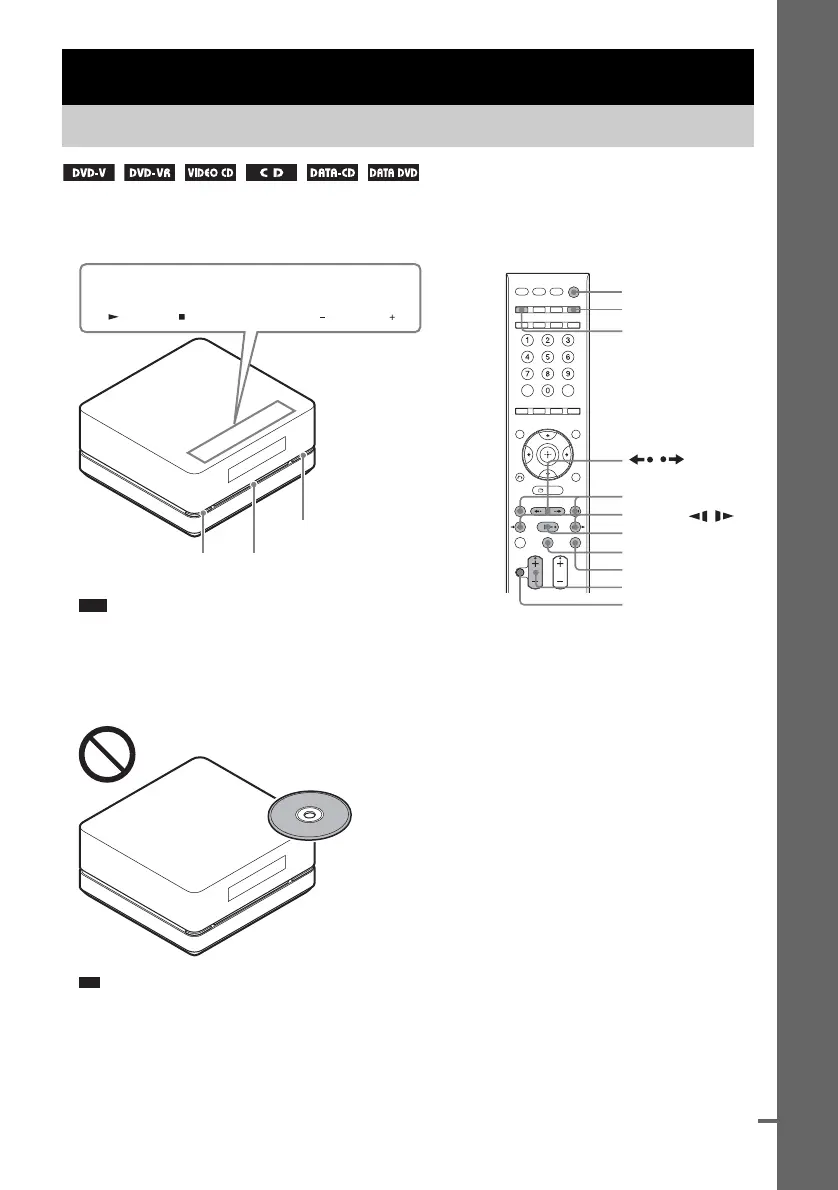
FUNCTION VOLUME
"/1
Z
"/1
H
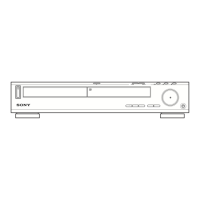
Disc slot
FUNCTION
VOLUME +/–
x
MUTING
./>
X
/
Z
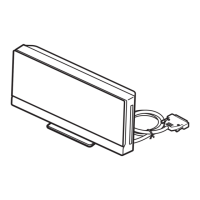
Soft-touch buttons
Note
• Soft-touch buttons function by touching lightly. Do not press
them strongly.
• Do not place objects on the top of the control unit. Doing so
may activate the soft-touch buttons or deactivate the buttons
of the control unit.
Ti
• Soft-touch buttons function when they are lit up.
• You can select the way of displaying the soft-touch buttons
located on the top of the control unit (page 78).
m/M, /
cont
nue





 To Next Page