35
GB
Basic Operations
Changing the input level of the sound from connected
components
Distortion may occur when you listen to a component connected to the TV (AUDIO IN) jacks on the
rear of the control unit. This is not a malfunction and will depend on the component connected.
To prevent distortion, reduce the input level on the control unit.
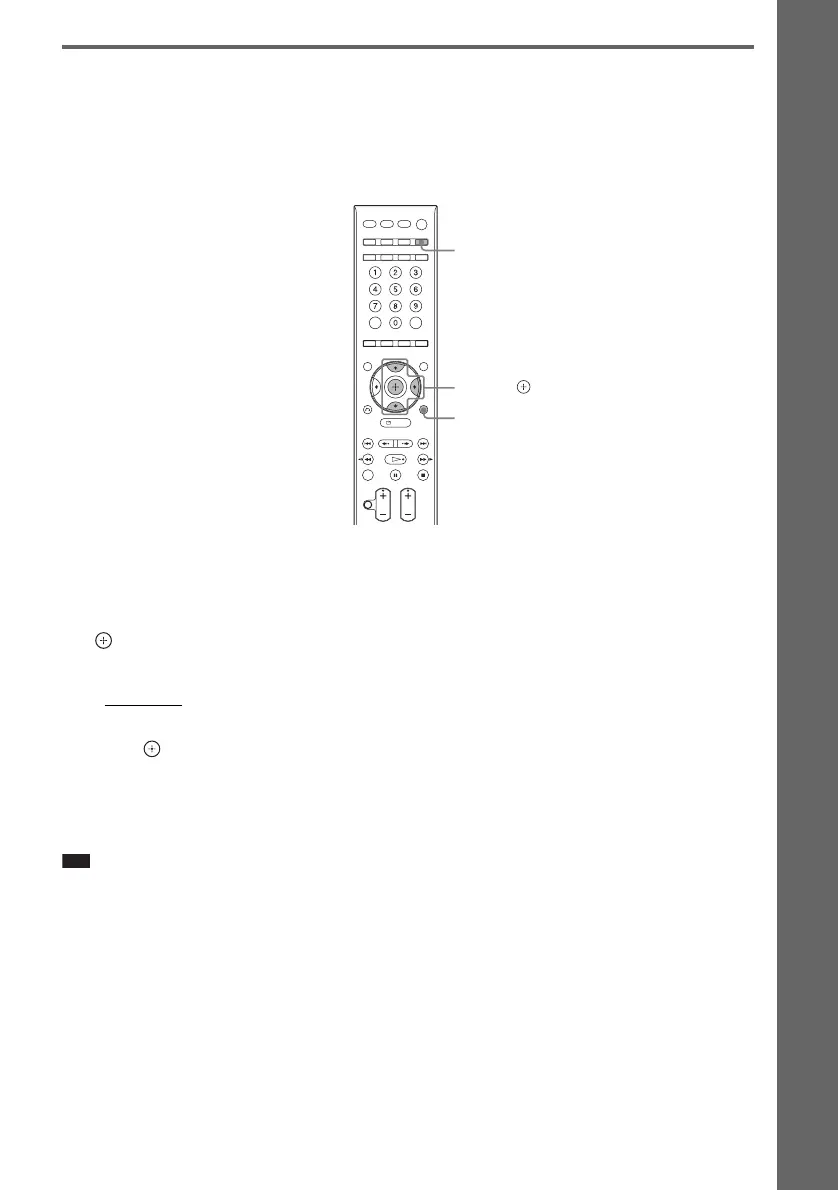
1 Press FUNCTION repeatedly until “TV” appears in the front panel display.
2 Press SYSTEM MENU.
3 Press X/x repeatedly until “ATTENUATE” appears in the front panel display, then press
or c.
4 Press X/x to select a setting.
•“ATT ON”: You can attenuates the input level. The output level is changed.
• “ATT OFF”: Normal input level.
5 Press .
The setting is made.
6 Press SYSTEM MENU.
The system menu turns off.
Note
• “ATTENUATE” appears only when the function is set to the “TV” function.
SYSTEM
MENU
X/x/c,
FUNCTION












 To Next Page