78
GB
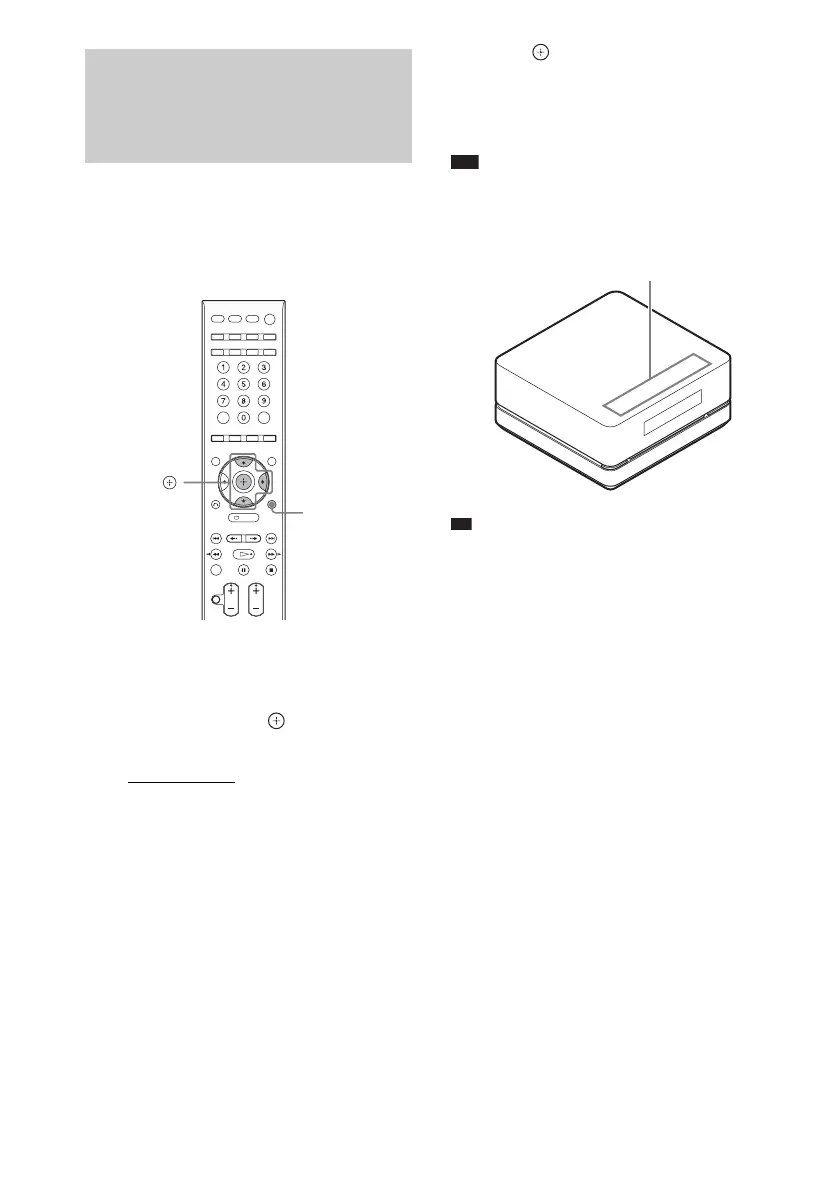
You can select the way of displaying the soft-
touch buttons located on the top of the control
unit.
1 Press SYSTEM MENU.
2 Press X/x repeatedly until “ILLUM
MODE” appears in the front panel
display, then press or
c.
3 Press X/x to select a setting.
• “STANDARD”: sets the soft-touch
buttons lit up always.
• “SIMPLE”: sets the soft-touch buttons lit
up when you touch them. To operate the
soft-touch buttons, touch them once and
light them up. The soft-touch buttons turn
off if you do not touch them for about 10
seconds.
4 Press .
The setting is made.
5 Press SYSTEM MENU.
The system menu turns off.
Note
• When the soft-touch buttons turn off in “SIMPLE”
mode, first touch the soft-touch button area so that the
soft-touch buttons light up, then operate the system
with them.
Ti
• Even if “SIMPLE” mode is set, only N on the top of
the control unit lights up during playback.
Changing the Display
Appearance of the Soft-
touch Buttons
(ILLUMINATION MODE)
SYSTEM
MENU
X/x/c,
Soft-touch button area












 To Next Page