Additional Information
115
GB
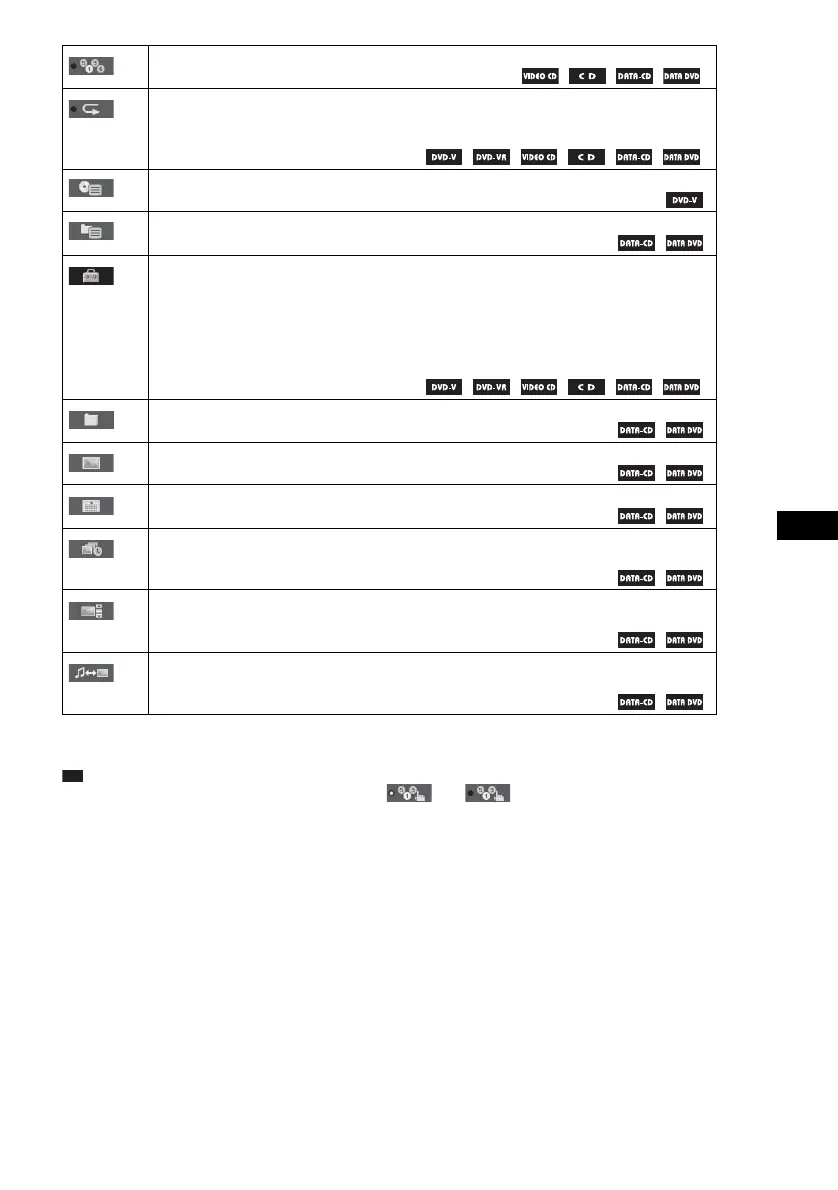
* These items are not listed when playing a DATA CD/DATA DVD with DivX video file.
Ti
• The Control Menu icon indicator lights up in yellow when you select any item except [OFF]
([PROGRAM], [SHUFFLE] and [REPEAT] only). The [ORIGINAL/PLAY LIST] indicator lights up in yellow
when you select [PLAY LIST] (default setting).
[SHUFFLE] (page 40)
You can play the track/file in random order.
[REPEAT] (page 41)
You can play the entire disc (all titles/all tracks/all folders/all files) repeatedly or one title/
chapter/track/folder/file repeatedly.
[DISC MENU] (page 42)
You can display the DVD’s menu.
[BROWSING] (page 51)
You can display the list of folders/JPEG image files.
[SETUP] (page 83)
[CUSTOM]
In addition to the Quick Setup setting, you can adjust various other settings.
[QUICK] (page 27)
You can make the basic adjustments. Use Quick Setup to select the desired language of the
on-screen display, the aspect ratio of the TV, and select yes or no to start the Auto Calibration.
[FOLDER] (page 37)
You can select the folder to be played.
[FILE] (page 37)
You can select the JPEG image file or DivX video file to be played.
*
[DATE] (page 47)
You can display the date the picture was taken by a digital camera.
*
[INTERVAL] (page 52)
You can select the duration for which the slides are displayed on the TV screen.
*
[EFFECT] (page 53)
You can select the effects to be used for changing slides during a slide show.
*
[MODE (MUSIC, IMAGE)] (page 52)
You can select the data type: MP3 file, JPEG image file, or both to be played when playing a
DATA CD/DATA DVD.
t





 To Next Page