5–14
9. G-CAM flip Discrimination Adjustment
Sets the color reproduction conditions to optimum.
Note 1: Displayed data of page A of the adjusting remote
commander
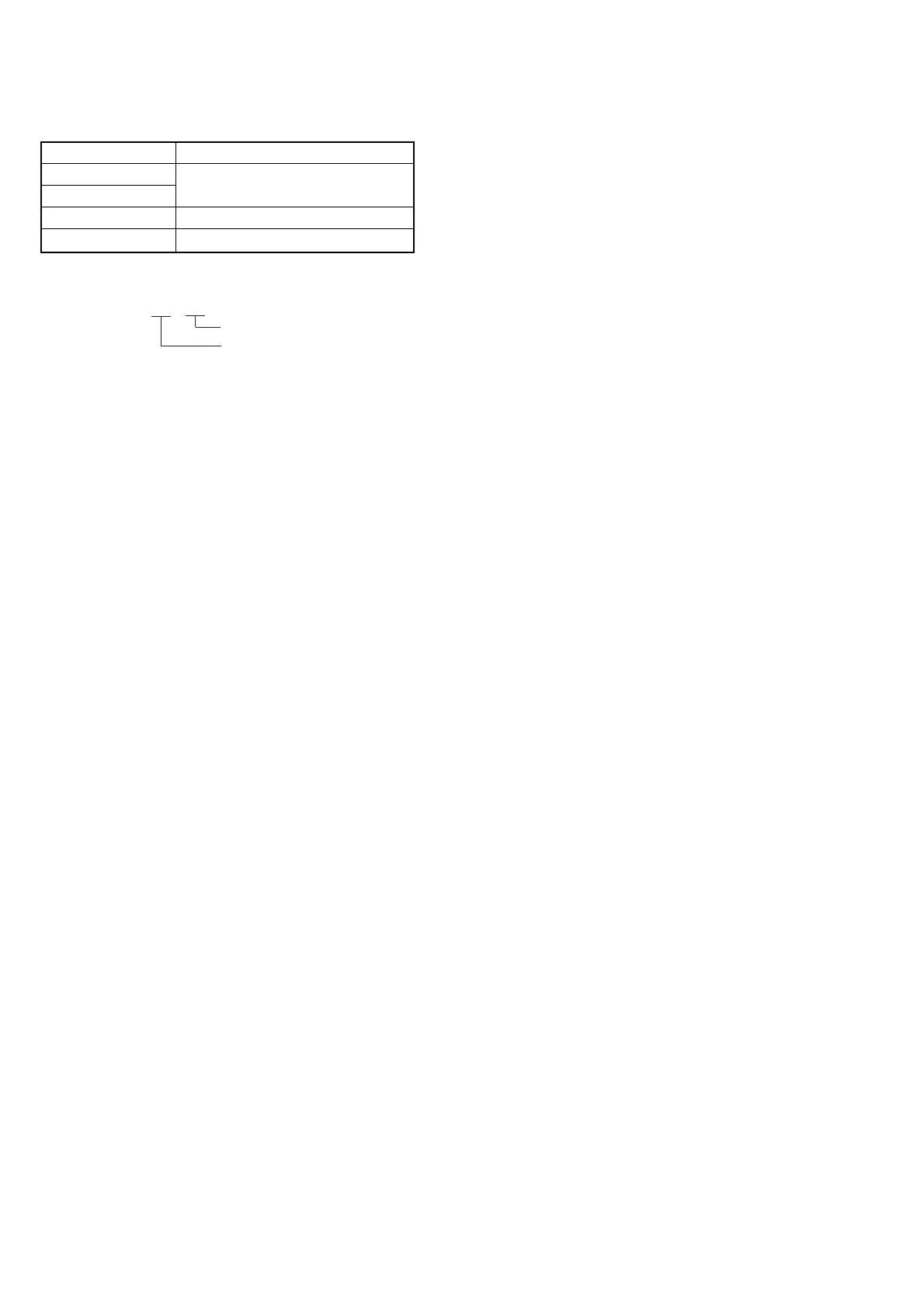
A : XX : XX
S2
S1
Adjusting method
1) Set data: 01 to page: 6, address: 00.
2) Set data: 01 to page: 6, address: 01, and press the PAUSE button
of the adjusting remote commander.
3) Set data: 16 to page: 6, address: 04.
4) Set data: 1D (NTSC) or data: 0F (PAL) to page: F, address: 53,
and press the PAUSE button of the adjusting remote commander.
5) Select page A of the adjusting remote commander, and compare
the higher 2 digits (S1) and lower 2 digits (S2) of the 4-digit
display data.
[When S1<S2]
Perform steps 6 onwards.
[When S1ÅÜS2]
Perform steps 7 onwards.
6) Set data: 9D (NTSC) or data: 8F (PAL) to page: F, address: 53,
and press the PAUSE button of the adjusting remote commander.
7) Set data: 00 to page: 6, address: 01, and press the PAUSE button
of the adjusting remote commander.
8) Set data: 00 to page: 6, address: 04.
9) Set data: 00 to page: 6, address: 00.
Color bar chart standard picture frame
Display data of page A of the adjusting
remote commander (Note 1)
F
53
Subject
Measuring point
Measuring instrument
Adjusting page
Adjusting address
n
n


 To Next Page