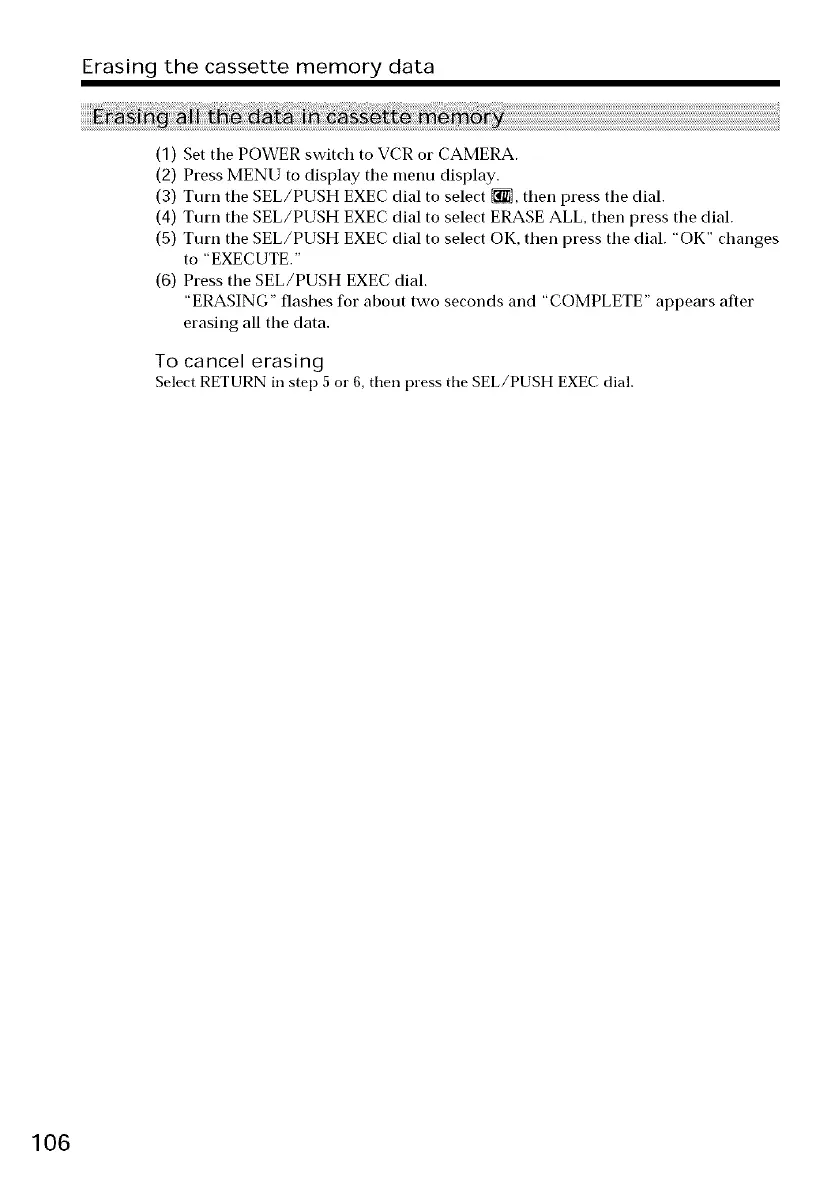
Erasing the cassette memory data
(1) Set tile POWER switch to VCR or CAMERA.
(2) Press MENU to display the menu display.
(3) Turn tile SEL/PUSH EXEC dial to select [_, then press tile dial.
(4) Turn tile SEL/PUSH EXEC dial to select ERASE ALL, then press tile dial.
(5) Turn tile SEL/PUSH EXEC dial to select OK, then press tile dial. "OK" changes
to "EXECUTE."
(6) Press the SEL/PUSH EXEC dial.
"ERASING" flashes for about two seconds and "COMPLETE" appears after
erasing all the data.
To cancel erasing
Select RETURN in step 5 or 6, then press tile SEL/PUSH EXEC dial.
106








 To Next Page