Detecting the shooting conditions
automatically (Scene Recognition)
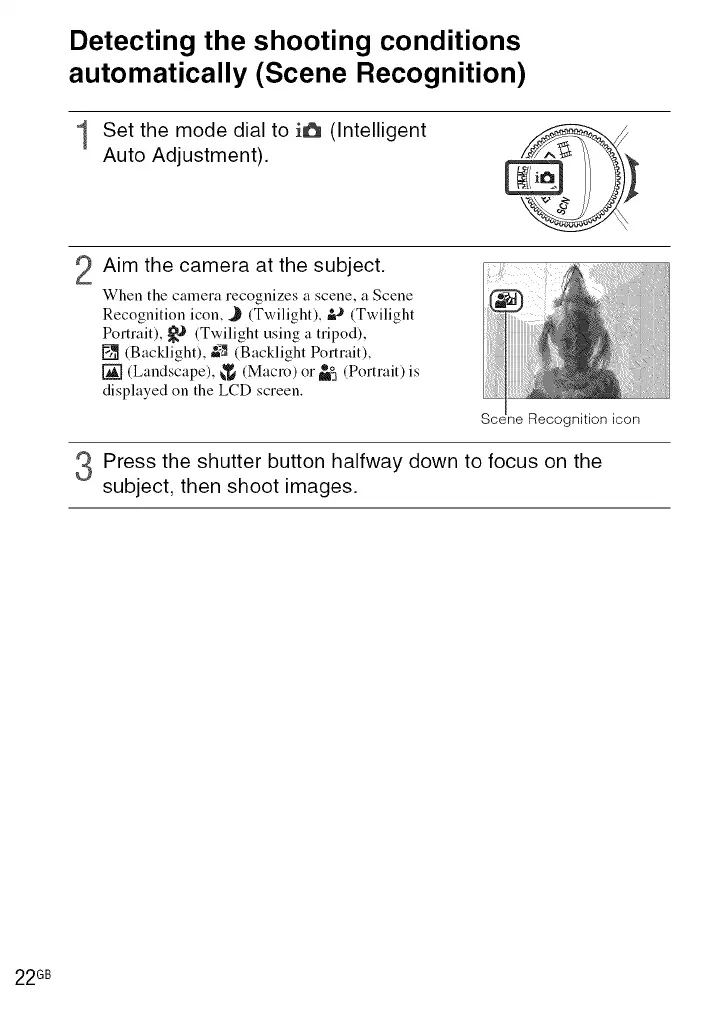
1 Set the mode dial to i6 (Intelligent
Auto Adjustment).
2 Aim the camera at the subject.
When the camera recognizes a scene, a Scene
Recognition icon, J (Twilight), &_'(Twilight
Portrait), _-_ (Twilight using a tripod),
[] (Backlight), &_ (Backlight Portrait),
[] (Landscape), _ (Macro) or_ (Portrait) is
displayed on the LCD screen.
Seene Recognition icon
Press the shutter button halfway down to focus on the
subject, then shoot images.
22 GB













 To Next Page