Using the (Settings) items
You can change the default settings.
I_' (Shooting Settings) are displayed only when settings have been entered fiom
shooting mode.
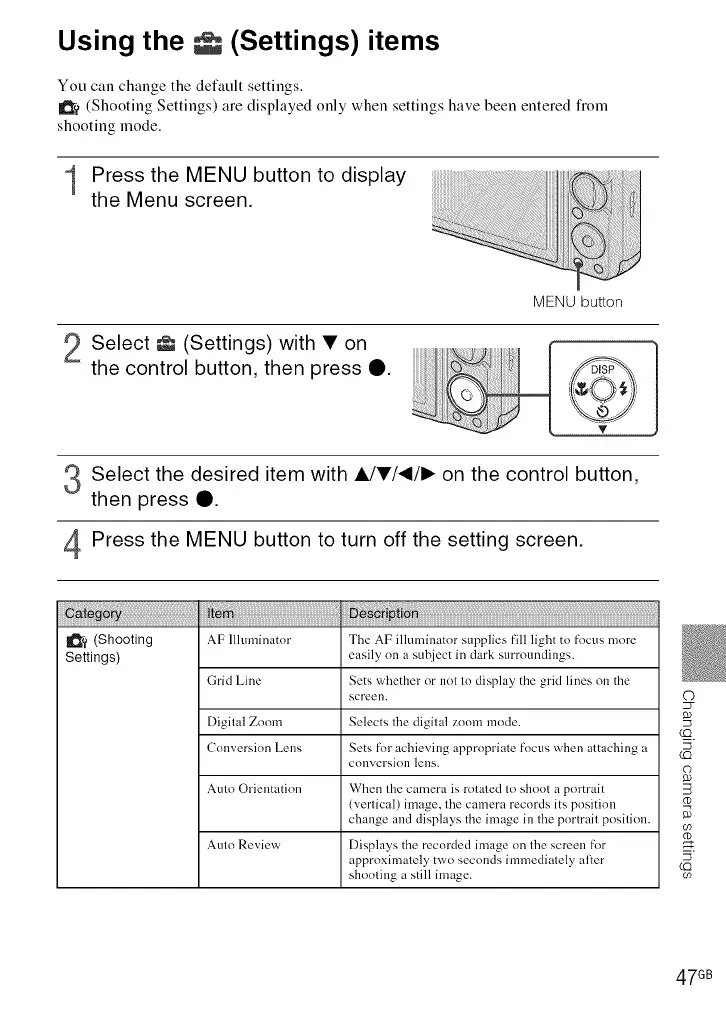
1 Press the MENU button to display
the Menu screen.
MENU button
2 Select _ (Settings) with • on
the control button, then press O.
Select the desired item with A/•/_/I_ on the control button,
then press Q.
Press the MENU button to turn off the setting screen.
I_'? (Shooting AF Illuminator The AF illuminator supplies fill light to fl_cus more
Settings) easily on a subject in dark surroundings.
Grid Line Sets whether nr not to display the grid lines on the
screen.
Digital Zoom Selects the digital zoom mode.
Conversion Lens Sets for achieving appropriate focus when attaching a
COllversioll lens.
Auto Orientation When the camera is rotated tn shoot a pore'air
(vertical) image, the camera records its position
change and displays the image in the portrait position.
Auto Review Displays the recorded image on the screen fk>r
approximately two seconds immediately al:er
shooting a still image.
47 GB













 To Next Page