Selecting a flash mode
1
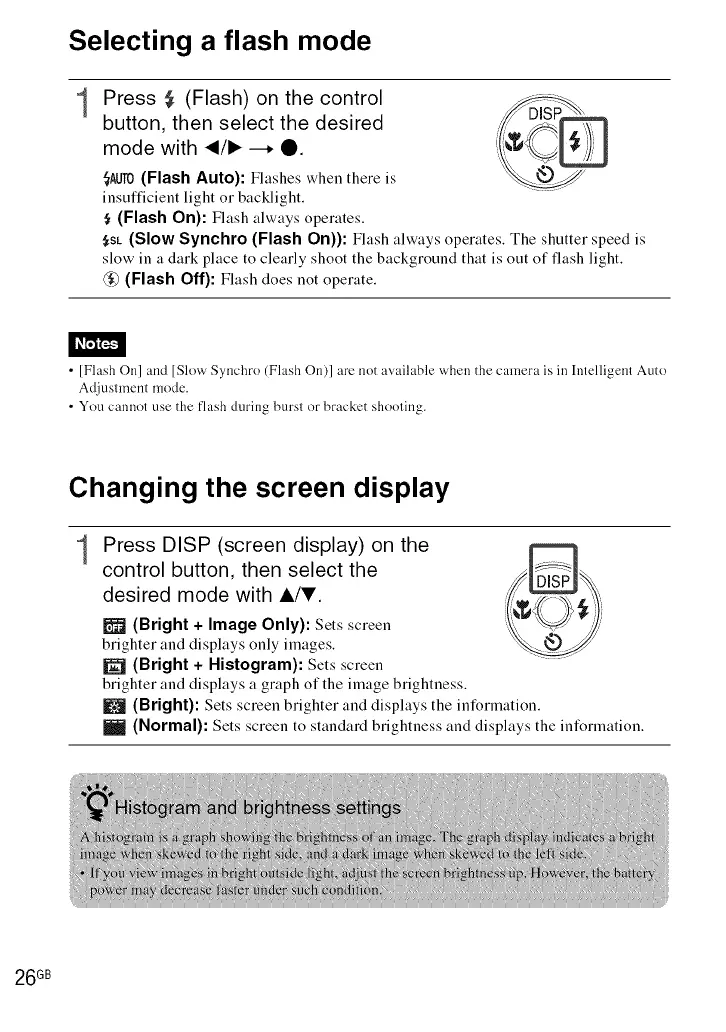
Press ,_ (Flash) on the control
button, then select the desired
mode with _/1_ --. O.
_AOIO(Flash Auto): Flashes when there is
insufficient light or backlight.
$ (Flash On): Flash always operates.
<I C@
$sL (Slow Synchro (Flash On)): Flash always operates. The shutter speed is
slow in a dark place to clearly shoot the background that is out of flash light.
@ (Flash Off): Flash does not operate.
• [Flash On] and [Slow Synchro (Flash On)] are not available when the camera is in Intelligent Auto
Adjusmaent mode.
• You cannot use the flash during burst or bracket shooting.
Changing the screen display
1
Press DISP (screen display) on the
control button, then select the
desired mode with i/T.
i_ (Bright + Image Only): Sets screen
brighter and displays only images.
IP_ (Bright + Histogram): Sets screen
brighter and displays a graph of the image brightness.
m (Bright): Sets screen brighter and displays the information.
I_ (Normal): Sets screen to standard brightness and displays the information.
26 GB













 To Next Page