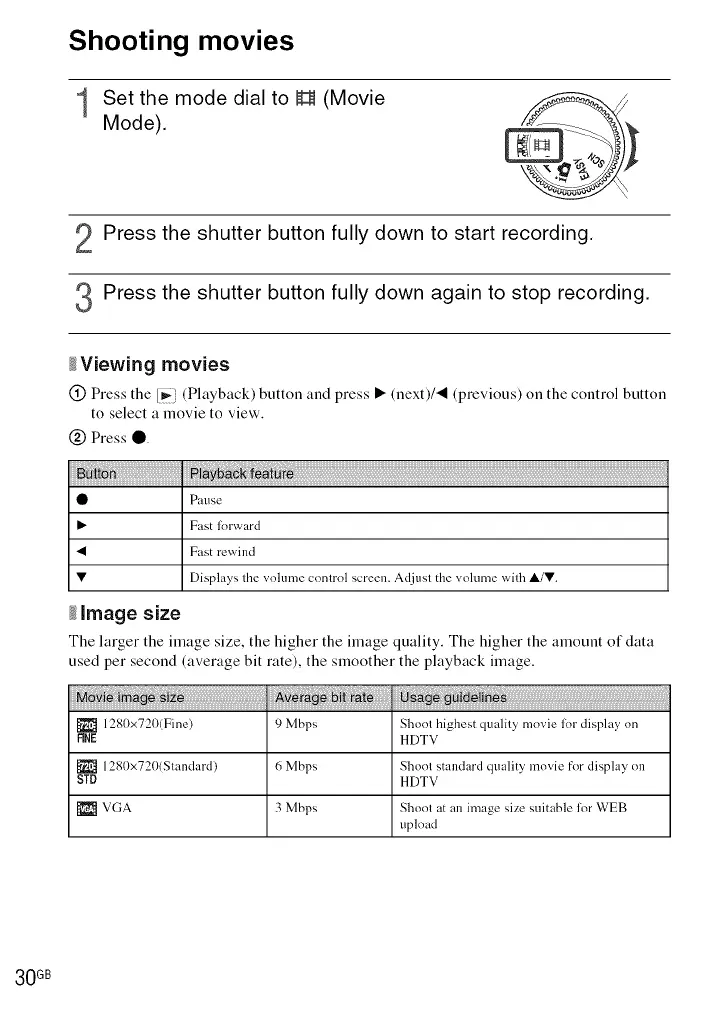
Shooting movies
1 Set the mode dial to H (Movie
Mode).
Press the shutter button fully down to start recording.
Press the shutter button fully down again to stop recording.
_Viewing movies
@ Press the [_i (Playback) button and press • (next)/_ (previous) on the control button
to select a movie to view.
@ Press •
O Pause
Fast lorward
• Fast rewind
• Displays the volume control screen. Adjust the volume with ,&/•.
_image size
The larger the image size, the higher the image quality. The higher the amount of data
used per second (average bit rate), the smoother the playback image.
1280x720(Fine) 9 Mbps Shoot highest quality movie lot display on
FINE HDTV
_1 1280x720(Standard) 6 Mbps Shoot standard quality movie for display on
STD HDTV
[_l VGA 3 Mbps Shoot at an image size suitable fur WEB
upload
30 GB













 To Next Page