Changing the operation sounds
You can set the sound produced when you operate the camera.
1
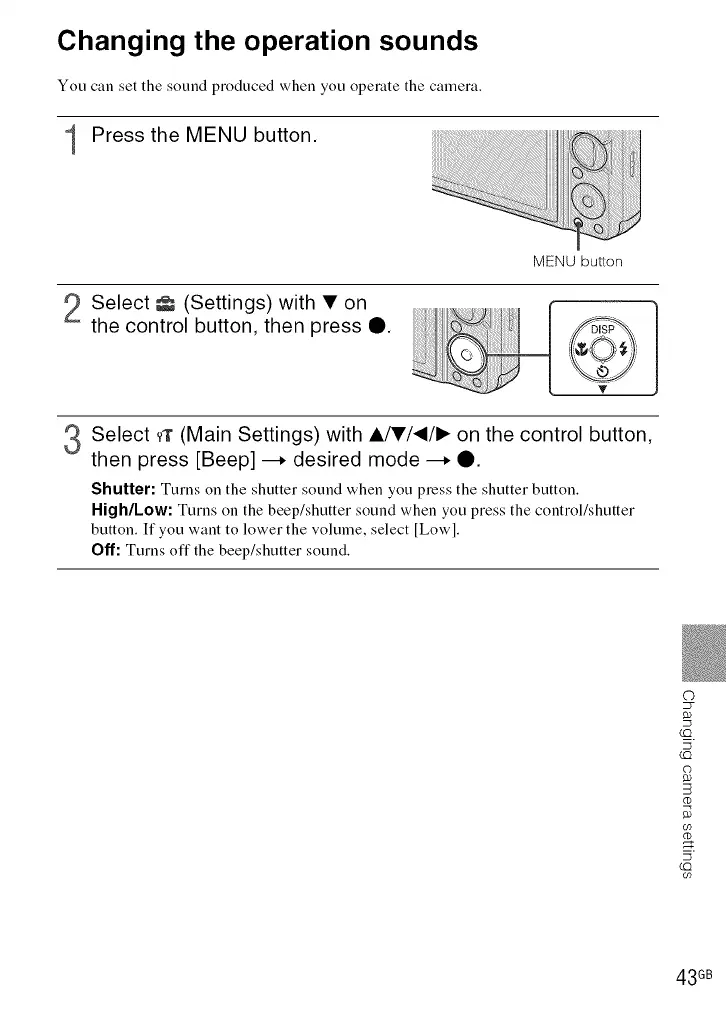
Press the MENU button.
MENU button
2 Select _ (Settings) with • on
the control button, then press O.
Select _r (Main Settings) with A/•/_/I_ on the control button,
then press [Beep] --. desired mode --. Q.
Shutter: Turns on the shutter sound when you press the shutter button.
High/Low: Turns on the beep/shutter sound when you press the control/shutter
button. If you want to lower the volume, select [Lowl.
Off: Turns off the beep/shutter sound.
©
23-
LO
C)
CO
(I)
CO
5
LO
09
43 GB













 To Next Page