Viewing images on a TV
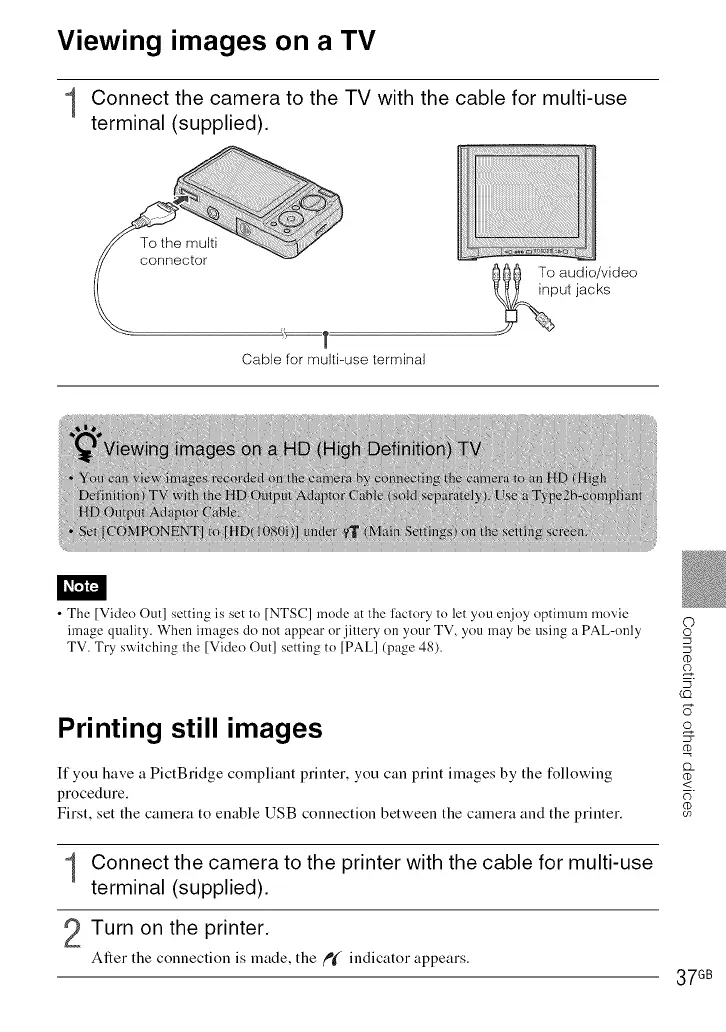
Connect the camera to the TV with the cable for multi-use
terminal (supplied).
Cable for multi-use terminal
@@_ To audio/video
put jacks
• The [Video Out] setting is set to [NTSC] mode at the l'aclory to let you enjoy optimum movie
image quality. When images do not appear or jiltery on your TV, you may be using a PAL-only
TV. Try switching the [Video Out] setting to [PAL1 (page 48).
Printing still images
If you have a PictBridge compliant printer, you can print images by the following
procedure.
First, set the camera to enable USB connection between the camera and the printer.
Connect the camera to the printer with the cable for multi-use
terminal (supplied).
2Turn on the printer.
After the connection is made, the fP_( indicator appears.
©
o
LQ
o
£2_
(D
<
E)
37 GB













 To Next Page