3 Press MENU --. & (Print) with i/
V/_/I_ on the control button --.
desired mode --. O.
!iiiii!i;iiiiiii=iiiii:!iiil!7;¸¸' "'_;);171;;iii!!!!:i;!!!!!!!7_
iiiiiiiiiiiiiiTi_ili_!i!!iiiiii_!iiii_ii'iii!7_!!!!iiiiiji_iiii!i
!; ;ii77!i!iiiiiiiiiiiiiiiiiiiii;!!!!7
_n (This Image): Print the currently
displayed image.
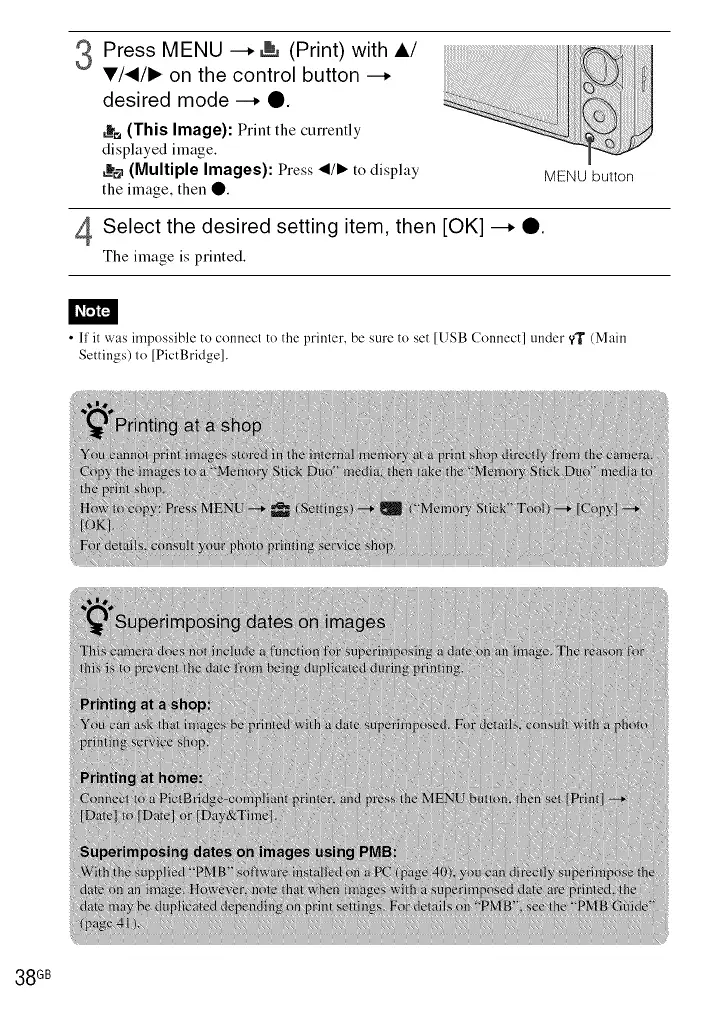
_o (Multiple Images): Press </1_ to display MENU button
the image, then 0.
4Select the desired setting item, then [OK] --. Q.
The image is printed.
• I1' it was impossible to connect to the printer, be sure to set [USB Connect] under _ (Main
Settings) to [PictBridge].
38 GB













 To Next Page