Deleting all images (Format)
You can delete all data stored on "Memory Stick Duo" media or the internal memory. If
a "Memory Stick Duo" media is inserted, all data stored on the "Memory Stick Duo"
media are deleted. If no "Memory Stick Duo" media is inserted, all data stored in the
internal memory are deleted.
1
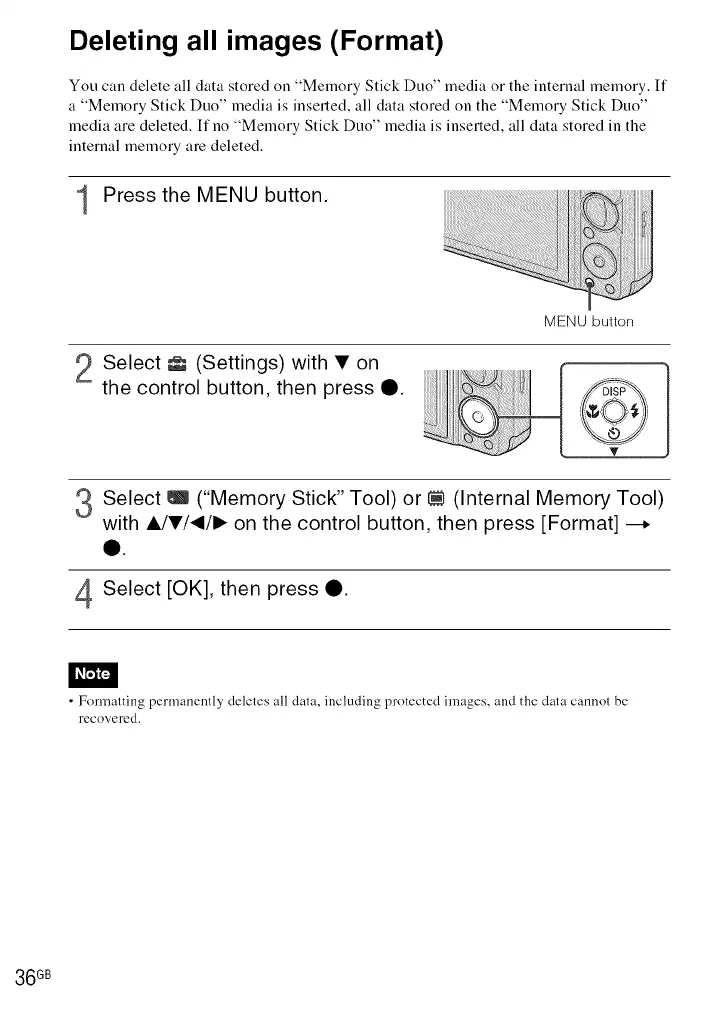
Press the MENU button.
MENU button
2 Select _ (Settings) with • on
the control button, then press O.
Select _ ("Memory Stick" Tool) or _ (Internal Memory Tool)
V
with _/•/_/1_ on the control button, then press [Format] --.
4Select [OK], then press _.
• Formatting permanently deletes all data, including protected images, and the data cannot be
recovered.
36 GB













 To Next Page