Shooting close-ups (Macro)
You can shoot beautiful close-up images of small subjects such as insects or flowers.
1
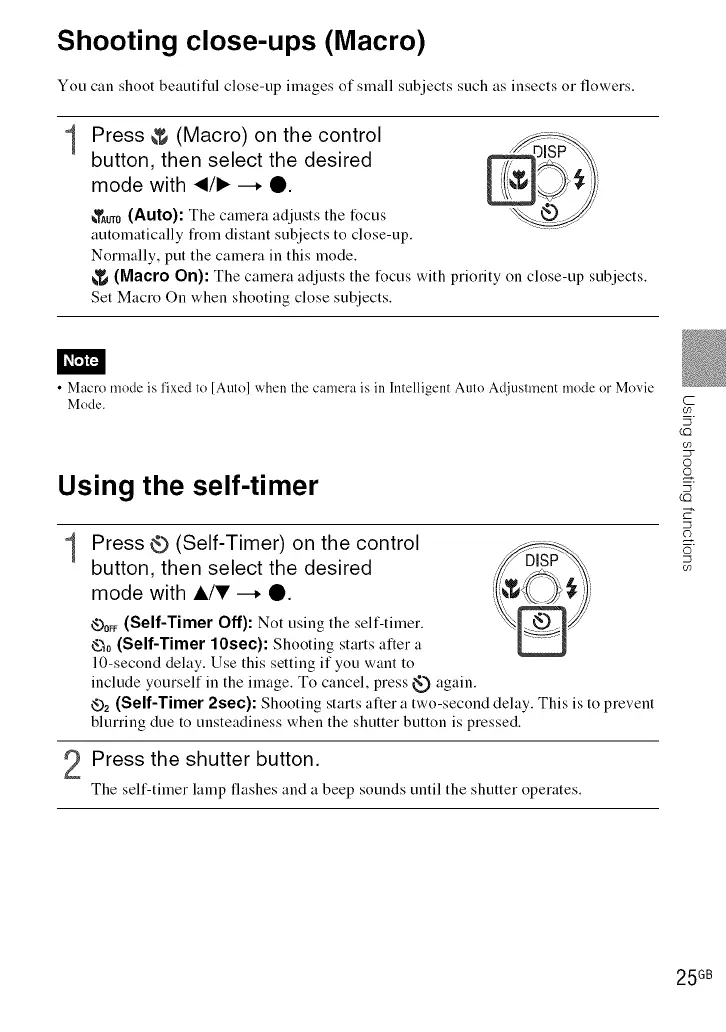
Press & (Macro) on the control
button, then select the desired
mode with </1_ --. O.
_TAuT0(Auto): The camera adjusts the focus
automatically from distant subjects to close-up.
Normally, put the camera in this mode.
)
_'_ (Macro On): The camera adjusts the focus with priority on close-up subjects.
Set Macro On when shooting close subjects.
• Macro mode is fixed to [Auto] when the camera is in Intelligent Auto Adjusm_ent mode or Movie
Mode.
Using the self-timer
1
Press Q (Self-Timer) on the control
button, then select the desired
mode with A/V --. O.
<v-)0_F(Self-Timer Off): Not using the self-timer.
_0 (Self-Timer 10sec): Shooting starts after a
10-second delay. Use this setting if you want to
include yourself in the image. To cancel, press _ again.
_2 (Self-Timer 2see): Shooting starts after a two-second delay. This is to prevent
blurring due to unsteadiness when the shutter button is pressed.
Press the shutter button.
The self-timer lamp flashes and a beep sounds until the shutter operates.
C
03
(£3
©
o
5
(£3
o3
25 GB













 To Next Page