1-19
DSR-45/45P
Chapter 6 Adjusting and Setting Through Menus
Chapter 6 Adjusting and Setting Through Menus
81
(GB)
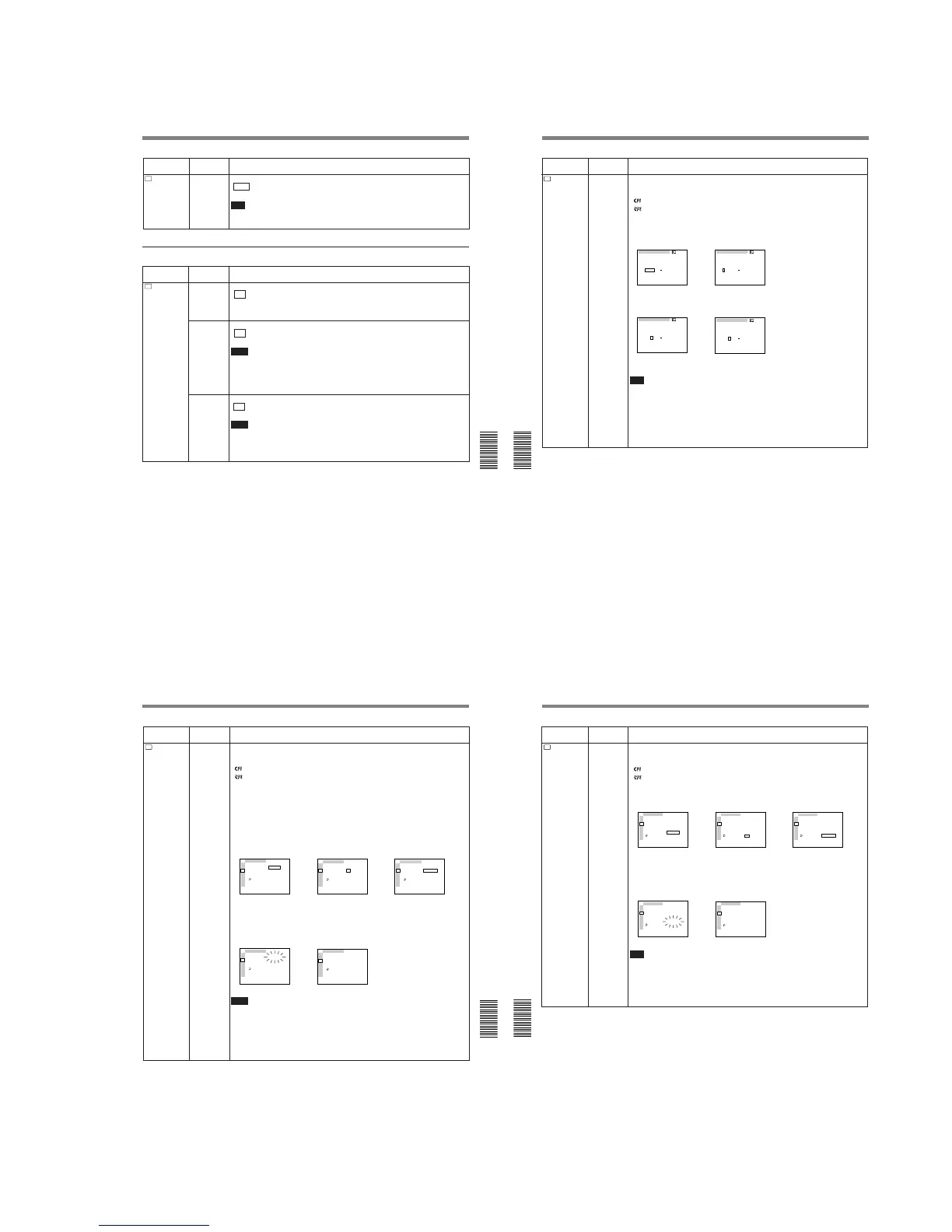
LABEL DISP
Selects whether or not to display the tape label.
ON : Displays the tape label.
OFF: Hides the tape label.
Notes
• The tape label is displayed only on the LCD monitor or MONITOR VIDEO output.
• The tape label is only displayed if you have set the DISPLAY SELECT selector to DATA.
• If the tape label has been made with another VCR or camcorder, this unit cannot display a
tape label that includes a font that the unit does not have.
Icon/Menu
Submenu
Setting
(page)
CM SET menu
CM
CM SET
CM SEARCH Selects the mode used to search scenes.
ON : Searches scenes using the cassette memory. (If the cassette does not have
cassette memory, the search for the scenes can be done using the search signals on
the tape.)
OFF: Always searches scenes using the search signals on the tape.
TITLE DISP Selects whether or not to display the title.
ON : Displays the title.
OFF: Hides the title.
Notes
• The title input with the camera or external device is displayed. You cannot enter a title
using this unit.
• The unit cannot display a font that the unit does not have.
• The title is displayed only on the LCD monitor or MONITOR VIDEO output.
• The title is only displayed if you have set the DISPLAY SELECT selector to DATA.
Icon/Menu
Submenu
Setting
(page)
RMT
REMOTE
232C RATE Selects the baud rate via the RS-232C connector.
9600 : 9600 bps
19200: 19200 bps
Note
For editing, if you intend to use this unit as a player and the FXE-120/120P or FXE-100/
100P as an editing controller, set the baud rate of both devices to 19200 bps.
Operating the Menus
Chapter 6 Adjusting and Setting Through Menus
82
(GB) Chapter 6 Adjusting and Setting Through Menus
Icon/Menu
Submenu
Setting
(page)
CM
CM SET
TAPE LABEL Makes a tape label. (You can enter up to 10 characters on a tape label.)
If you select this item, one of the following symbols appears. If no cassette is loaded,
nothing is displayed.
: Cassette with cassette memory
: Cassette without cassette memory
You can make a tape label as follows:
1 On the TAPE LABEL screen, select a line that has the alphabet character you want by
pressing the J/j buttons and the EXEC button. (The cursor moves to the first character
of the line.)
2 Select a character by pressing the J/j buttons and the EXEC button. (The selected
character is entered. To erase a character, select [ P ]; the last character is erased.)
3 Repeat steps 1 and 2. After entering all characters for the tape label, select [SET].
Note
The unit cannot display the TAPE LABEL screen in the following cases:
• The unit does not have a cassette inserted or the tape is being unloaded.
• The cassette does not have cassette memory.
• The cassette memory is full of data other than the tape label data.
• The cassette is write-protected.
• The tape is being recorded.
• The tape is being duplicated.
• The cassette memory is being used.
TAPE LABEL
__________
A
F
K
P
U
Z
B
G
L
Q
V
&
C
H
M
R
W
D
I
N
S
X
?
E
J
O
T
Y
!
1
6
'
[
[
2
7
.
S
3
8
,
E
4
9
/
T
5
0
–
]
]
TAPE LABEL
__________
A
F
K
P
U
Z
B
G
L
Q
V
&
C
H
M
R
W
D
I
N
S
X
?
E
J
O
T
Y
!
1
6
'
[
[
2
7
.
S
3
8
,
E
4
9
/
T
5
0
–
]
]
,
TAPE LABEL
__________
A
F
K
P
U
Z
B
G
L
Q
V
&
C
H
M
R
W
D
I
N
S
X
?
E
J
O
T
Y
!
1
6
'
[
[
2
7
.
S
3
8
,
E
4
9
/
T
5
0
–
]
]
TAPE LABEL
S_________
A
F
K
P
U
Z
B
G
L
Q
V
&
C
H
M
R
W
D
I
N
S
X
?
E
J
O
T
Y
!
1
6
'
[
[
2
7
.
S
3
8
,
E
4
9
/
T
5
0
–
]
]
,
Chapter 6 Adjusting and Setting Through Menus
Chapter 6 Adjusting and Setting Through Menus
83
(GB)
ITEM ERASE
Icon/Menu
Submenu
Setting
(page)
CM
CM SET
CM SET
ITEM ERASE
I NDEX ALL
TITLE ALL
DATE ALL
PHOTO ALL
RETURN
RETURN
OK
TC
RMT
CM
DISP
V
A
VTR
ETC
CM SET
ITEM ERASE
I NDEX ALL
TITLE ALL
DATE ALL
PHOTO ALL
RETURN
RETURN
OK
TC
RMT
CM
DISP
V
A
VTR
ETC
,
Erase a cassette memory item.
If you select this item, one of the following symbols appears. If no cassette is loaded,
nothing is displayed.
: Cassette with cassette memory
: Cassette without cassette memory
The available items are as follows:
INDEX ALL: Erases the index data.
TITLE ALL: Erases the title data.
DATE ALL: Erases the date data.
PHOTO ALL: Erases the photo data.
You can erase an item as follows:
1 Select an item to erase by pressing the J/j buttons and the EXEC button.
2 To erase the item, select OK, otherwise select RETURN. (If you select OK, the unit will
check again to see if you really want to erase the item.)
3 To erase the item, select EXECUTE, otherwise select RETURN. (If you select
EXECUTE, the ERASING message will flash, and the unit will start erasing the item in
the cassette memory. While the ERASING message is flashing, you cannot use the J/j
buttons or the EXEC button. After the item has been erased, the COMPLETE message
appears. Press the J/j buttons or the EXEC button to erase the COMPLETE message.)
Notes
• You cannot make a title, mark the date for date search, or record in the photo mode.
• You cannot erase an item in the cassette memory in the following cases:
– The unit does not have a cassette inserted or the tape is being unloaded.
– The cassette does not have cassette memory.
– The cassette is write-protected.
– The tape is being recorded.
– The tape is being duplicated.
CM SET
ITEM ERASE
I NDEX ALL
TITLE ALL
DATE ALL
PHOTO ALL
RETURN
RETURN
EXECUTE
TC
RMT
CM
DISP
V
A
VTR
ETC
,
CM SET
ITEM ERASE
I NDEX ALL
TITLE ALL
DATE ALL
PHOTO ALL
RETURN
ERASING
TC
RMT
CM
DISP
V
A
VTR
ETC
CM SET
ITEM ERASE
I NDEX ALL
TITLE ALL
DATE ALL
PHOTO ALL
RETURN
COMPLETE
TC
RMT
CM
DISP
V
A
VTR
ETC
,
Operating the Menus
Chapter 6 Adjusting and Setting Through Menus
84
(GB) Chapter 6 Adjusting and Setting Through Menus
Icon/Menu
Submenu
Setting
(page)
CM
CM SET
CM SET
CM SEARCH
TITLE DISP
LABEL DISP
TAPE LABEL
ITEM ERASE
ERASE ALL
RETURN
COMPLETE
TC
RMT
CM
DISP
V
A
VTR
ETC
,
ERASE ALL
Erases all the items in the cassette memory.
If you select this item, one of the following symbols appears. If no cassette is loaded,
nothing is displayed.
: Tape with cassette memory
: Tape without cassette memory
Erase all items in the cassette memory as follows:
1 To erase all items, select OK, otherwise select RETURN. (If you select OK, the unit will
check again to see if you really want to erase all items.)
2 To erase all items, select EXECUTE, otherwise select RETURN. (If you select
EXECUTE, the ERASING message will flash, and the unit starts erasing all items in the
cassette memory. While the ERASING message is flashing, you cannot use the J/j
buttons or the EXEC button. After all items have been erased, the COMPLETE message
appears. Press the J/j buttons or the EXEC button to erase the COMPLETE message.)
Note
You cannot erase all the items in the cassette memory in the following cases:
• The unit does not have a cassette inserted or the tape is being unloaded.
• The cassette does not have cassette memory.
• The cassette is write-protected.
• The tape is being recorded.
• The tape is being duplicated.


 To Next Page