8
MC COLD RESET
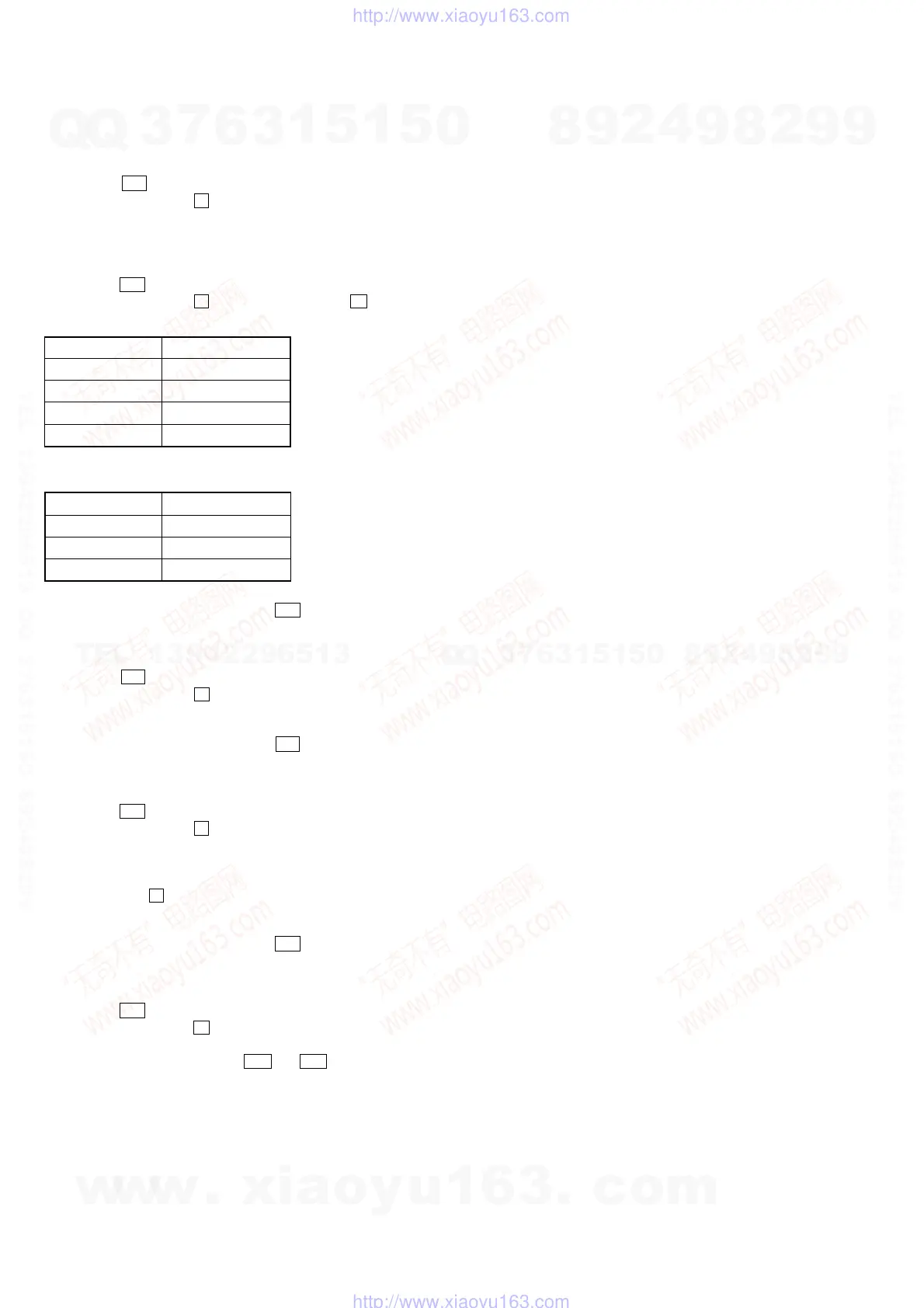
• The cold reset clears all data including preset data stored in the RAM to initial conditions. Execute this mode when returning the set to
the customer.
Procedure:
1. Press the I/1 button to turn the power on.
2. Press three buttons of x , [CLEAR] and [FUNCTION] simultaneously.
3. The set is reset, and displays “COLD RESET”, then becomes standby status.
AMP TEST
Procedure:
1. Press the I/1 button to turn the power on.
2. Press three buttons of x , [TUNER/BAND], and Z (CD1) simultaneously.
3. Each buttons are pressed, it changes display as follows.
Button Display
x 7[TESTMIN]
REC MODE 8[TESTMID]
ENTER/YES 9[TESTMAX]
MD
Z 10[TESTSUR]
4.
[VOLUME] knob is turned, it changes display as follows.
Turn Direction Display
counterclockwise VOLUME MIN
center VOLUME 21
clockwise VOLUME MAX
5. To release from this mode, press the
I/1 button to turn the power off and cold reset.
VERSION DISPLAY
Procedure:
1. Press the I/1 button to turn the power on.
2. Press three buttons of x , [TUNER/BAND] and [REPEAT] simultaneously.
3. Enter the version display mode and display STR version.
4. Each time the [ENTER/YES] button is pressed, it changes display STR version → CD version → MD version → STR version → ...
5. To release from this mode, press the I/1 button to turn the power off.
LCD AND LED TEST
Procedure:
1. Press the I/1 button to turn the power on.
2. Press three buttons of x , [TUNER/BAND] and [CD2] simultaneously.
3. Liquid crystal display and LEDs are all turned on.
4. Each time the [ENTER/YES] button is pressed, it changes display all turned on → all goes off → pattern 1 → pattern 2 → all turned
on → ...
5. Each time the x button is pressed, it changes LED indication all turned on → all goes off → turn on the green LEDs (*1) → turn on the
amber LEDs (*1) → all turned on → ...
*1) The color changable LEDs are “CD N X”, “MD N X”, “CD1”, “CD2” and “CD3”.
6. To release from this mode, press the I/1 button to turn the power off.
KEY TEST
Procedure:
1. Press the I/1 button to turn the power on.
2. Press three buttons of x , [TUNER/BAND] and [CD1] simultaneously.
3. Enter the key test mode and display “KEY00 JOG0VOL0”.
4. Each time a button (including m and M of [CURSOR] knob) is pressed, “KEY” value increases. However, once a button is
pressed, it is no longer taken into account.
“JOG” value increases like 0, 1, 2 ... if turn the [ENTER/YES] knob clockwise, or it decreases like 9, 8, 7 ... if turn the [ENTER/YES]
knob counterclockwise.
“VOL” value increases like 0, 1, 2 ... if turn the [VOLUME] knob clockwise, or it decreases like 9, 8, 7 ... if turn the [VOLUME] knob
counterclockwise.
5. To release from this mode, press three buttons in the same manner as step 2 , or disconnect the power cord.
w
w
w
.
x
i
a
o
y
u
1
6
3
.
c
o
m
Q
Q
3
7
6
3
1
5
1
5
0
9
9
2
8
9
4
2
9
8
T
E
L
1
3
9
4
2
2
9
6
5
1
3
9
9
2
8
9
4
2
9
8
0
5
1
5
1
3
6
7
3
Q
Q
TEL 13942296513 QQ 376315150 892498299
TEL 13942296513 QQ 376315150 892498299
http://www.xiaoyu163.com
http://www.xiaoyu163.com


 To Next Page