23
Getting Started
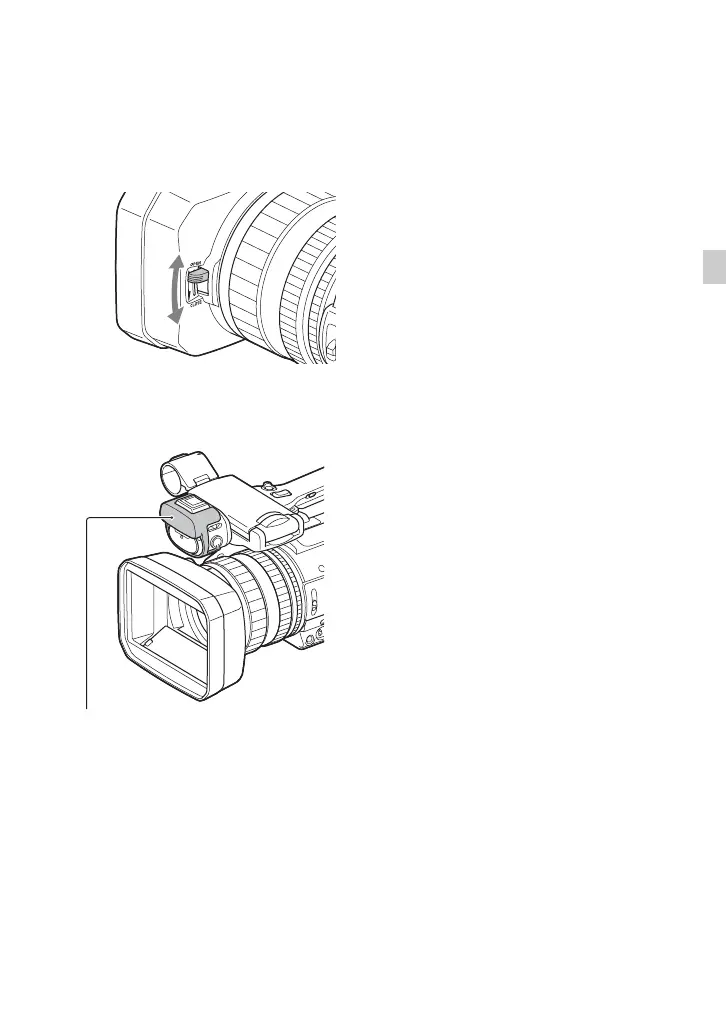
Opening/closing the lens cover
To open the lens cover, move the lens cover
lever to the OPEN position. To close it,
move it to the CLOSE position.
Attaching the video light diffuser
The video light diffuser reduces the glare
and softens the light.
Video light diffuser


 To Next Page
 Loading...