EasyManua.ls Logo

Sony MDS-E55 - Recording on an MD Using a Timer

Sony MDS-E55
36 pages
Print Icon
To Next Page IconTo Next Page
To Previous Page IconTo Previous Page
Loading...
ESS
eee
eed
Recording
on
an
MD
Using
a
Timer
By
connecting
a
timer
(not
supplied)
to
the
deck,
you
can
start
and
stop
recording
operations
at
specified
times.
For
further
information
on
connecting
the
timer
and
setting
the
starting
and
ending
times,
refer
to
the
instructions
that
came
with
the
timer.
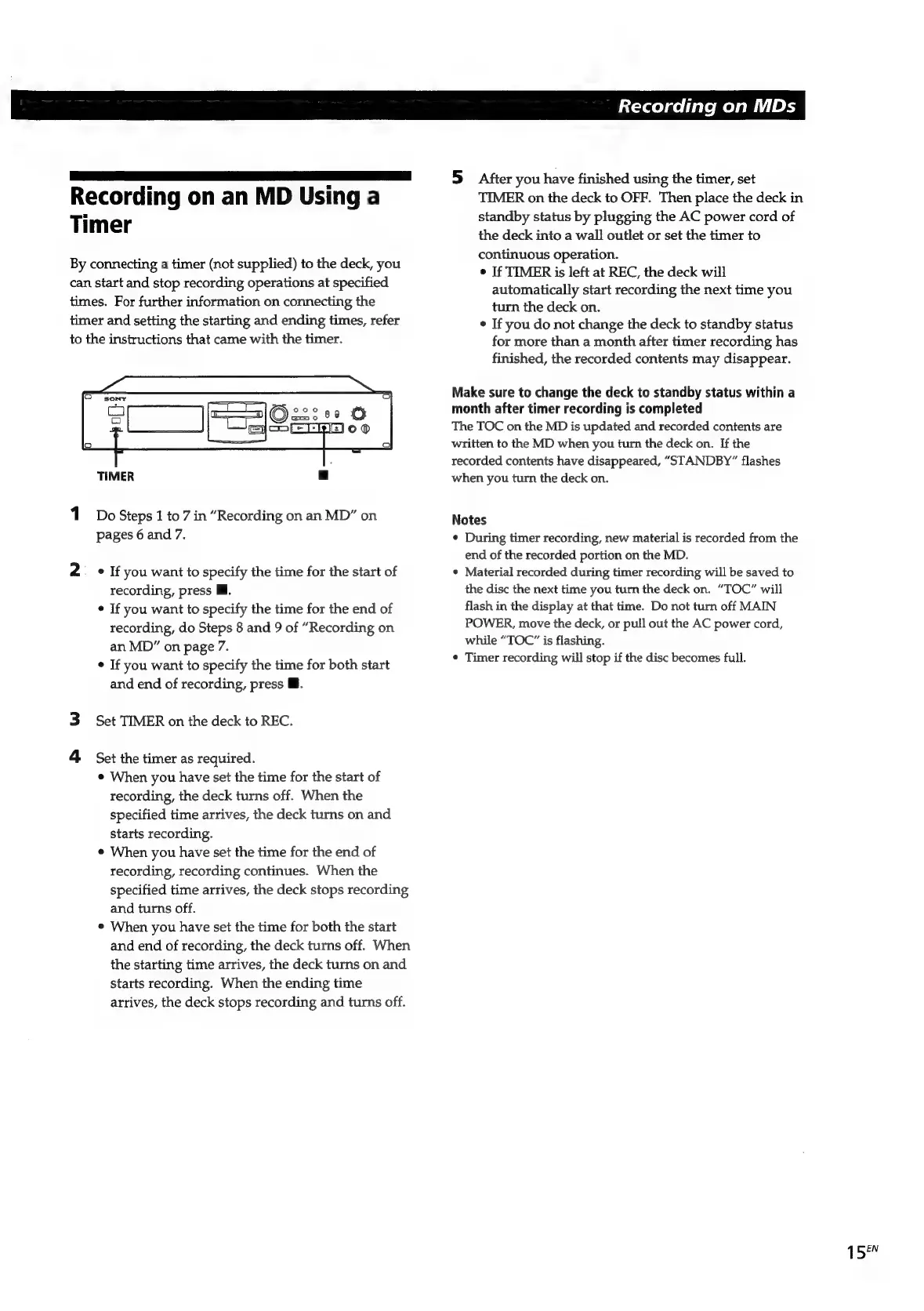
TIMER
a
1
Do
Steps
1
to
7
in
“Recording
on
an
MD”
on
pages
6
and
7.
2
=
«
If
you
want
to
specify
the
time
for
the
start
of
recording,
press
Ml.
¢
If
you
want
to
specify
the
time
for
the
end
of
recording,
do
Steps
8
and
9
of
“Recording
on
an
MD”
on
page
7.
°
If
you
want
to
specify
the
time
for
both
start
and end
of
recording,
press
B.
Set
TIMER
on
the
deck
to
REC.
4
Set
the
timer
as
required.
e
When
you
have
set
the
time
for
the
start
of
recording,
the
deck
turns
off.
When
the
specified
time
arrives,
the
deck
turns
on
and
starts
recording.
When
you
have
set
the
time
for
the
end
of
recording,
recording
continues.
When
the
specified
time
arrives,
the
deck
stops
recording
and
turns
off.
©
When
you
have
set
the
time
for
both
the
start
and
end
of
recording,
the
deck
turns
off.
When
the
starting
time
arrives,
the
deck
turns
on
and
starts
recording.
When
the
ending
time
arrives,
the
deck
stops
recording
and
turns
off.
Recording
on
MDs
5
After
you
have
finished
using
the
timer,
set
TIMER
on
the
deck
to
OFF.
Then
place
the
deck
in
standby
status
by
plugging
the
AC
power
cord
of
the
deck
into
a
wall
outlet
or
set
the
timer
to
continuous
operation.
©
If
TIMER
is
left
at
REC,
the
deck
will
automatically
start
recording
the
next
time
you
turn
the
deck
on.
¢
If
you
do
not
change
the
deck
to
standby
status
for
more
than
a
month
after
timer
recording
has
finished,
the
recorded
contents
may
disappear.
Make
sure
to
change
the
deck
to
standby
status
within
a
month
after
timer
recording
is
completed
The
TOC
on
the
MD
is
updated
and
recorded
contents
are
written
to
the
MD
when
you
turn
the
deck
on.
If
the
recorded
contents
have
disappeared,
“STANDBY”
flashes
when
you
turn
the
deck
on.
Notes
¢
During
timer
recording,
new
material
is
recorded
from
the
end
of
the
recorded
portion
on
the
MD.
Material
recorded
during
timer
recording
will
be
saved
to
the
disc
the
next
time
you
turn
the
deck
on.
“TOC”
will
flash
in
the
display
at
that
time.
Do
not
turn
off
MAIN
POWER,
move
the
deck,
or
pull
out
the
AC
power
cord,
while
“TOC”
is
flashing.
¢
Timer
recording
will
stop
if
the
disc
becomes
full.
1
5
EN

Related product manuals