EasyManua.ls Logo

Sony MDS-E55 - Undoing the Last Edit (Undo Function)

Sony MDS-E55
36 pages
Print Icon
To Next Page IconTo Next Page
To Previous Page IconTo Previous Page
Loading...
,
Editing
Recorded
MDs
Changing
an
existing
title
1
Press
NAME,
then
do
the
following:
To
change
Make
sure
that
the
deck
is
Playing,
pausing
the
track
whose
title
is
to
be
changed,
or
stopped
after
locating
the
track
whose
title
is
to
be
changed
A
track
title
Stopped
with
no
track
number
appearing
in
the
display
A
disc
name
2
Keep
pressing
CLEAR
(or
EDIT/NO
on
the
deck)
until
the
current
title
is
erased.
3
Enter
the
new
title.
Do
Steps
3
to
6
of
“Labeling
Recordings”
on
page
26,
or
Steps
2
to
4
of
“Labeling
tracks
and
MDs
with
the
remote”
on
page
28.
4
Press
NAME.
Erasing
all
titles
on
a
disc
(Name
Erase
Function)
Use
this
function
to
erase
all
titles
on
an
MD
simultaneously.
Note
that
once
erased,
titles
cannot
be
recovered.
1
Press
EDIT/NO
repeatedly
while
the
deck
is
stopped
until
“All
Erase
?”
appears
in
the
display.
2
Press
EDIT/NO
again.
“Name
Erase
?”
appears
in
the
display.
3
Press
YES.
All
titles
are
erased.
To
cancel
the
Name
Erase
Function
Press
Ml.
Key
You
can
erase
all
recorded
tracks
and
titles
See
“Erasing
all
tracks
on
an
MD”
on
page
23.
Undoing
the
Last
Edit
(Undo
Function)
You
can
use
the
Undo
Function
to
cancel
the
last
edit
and
restore
the
contents
of
the
MD
to
the
condition
that
existed
before
editing
was
done.
Note,
however,
that
you
cannot
undo
an
edit
if
you
do
any
of
the
following
after
the
edit:
¢
Press
the
@
REC
button
on
the
front
panel.
e
Press
the
@
button,
the
MUSIC
SYNC
button,
or
the
CD-SYNC
STANDBY
button
on
the
remote.
©
Update
the
TOC
by
turning
off
the
power
or
ejecting
the
MD.
©
Disconnect
the
AC
power
cord.
=
|O
ze:
+
oO
C=LLIE)
o
®
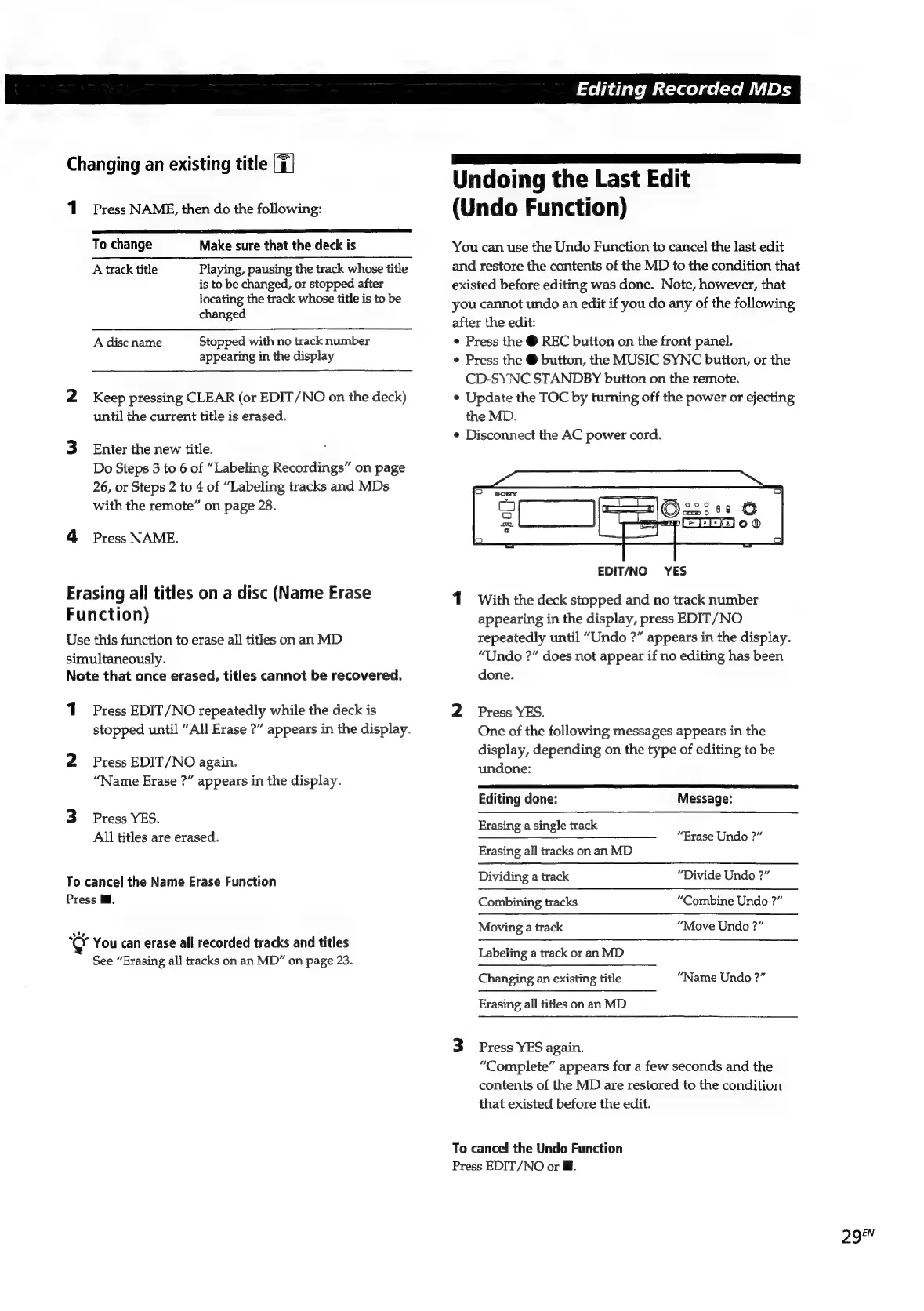
EDIT/NO
YES
1
With
the
deck
stopped
and
no
track
number
appearing
in
the
display,
press
EDIT/NO
repeatedly
until
“Undo
?”
appears
in
the
display.
“Undo
?”
does
not
appear
if
no
editing
has
been
done.
2
Press
YES.
One
of
the
following
messages
appears
in
the
display,
depending
on
the
type
of
editing
to
be
undone:
Editing
done:
Message:
Erasing
a
single
track
“Erase
Undo
?”
Erasing
all
tracks
on an
MD
Dividing
a
track
“Divide
Undo
?”
Combining
tracks
“Combine
Undo
?”
Moving
a
track
“Move
Undo
?”
Labeling
a
track
or
an
MD
Changing
an
existing
title
“Name
Undo
?”
Erasing
all
titles
on
an
MD
3
Press
YES
again.
“Complete”
appears
for
a
few
seconds
and
the
contents
of
the
MD
are
restored
to
the
condition
that
existed
before
the
edit.
To
cancel
the
Undo
Function
Press
EDIT/NO
or
@.
29FN

Related product manuals