32
GB
Table of
contents
Sample photo
search
Menu search
Index
Exposure Comp.
You can adjust the exposure in 1/3 EV steps in a range of –2.0 EV to +2.0 EV.
1 (Exposure Comp.) on the control wheel t desired value.
Or, [Menu] t [Brightness/Color] t [Exposure Comp.] t desired value.
• You cannot use [Exposure Comp.] when using the following functions:
– [Intelligent Auto]
– [Scene Selection]
–[Manual Exposure]
• If you shoot a subject in extremely bright or dark conditions, or when you use the flash, you may not be
able to get a satisfactory effect.
Notes
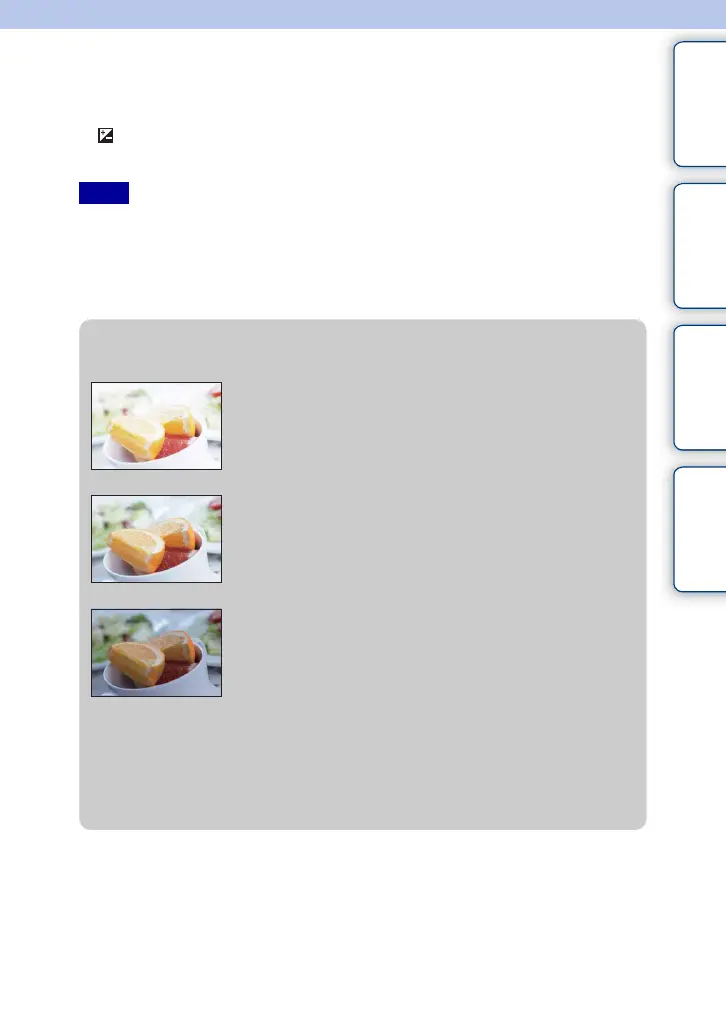
z Adjusting the exposure for better looking images
• To shoot subjects in brighter tones, set a +-side exposure compensation.
To make photos of food look more appealing, shoot the food a little brighter than usual
and try to use a white background.
• When shooting a blue sky, setting a –-side exposure compensation will allow you to
capture the sky in vivid colors.
Overexposure = too much light
Whitish image
Correct exposure
Underexposure = too little light
Darker image
Set [Exposure Comp.] toward –.
Set [Exposure Comp.] toward +.
m
M





 To Next Page