90
GB
Table of
contents
Sample photo
search
Menu search
Index
Grid Line
Sets whether the grid line is displayed or not. The grid line will help you to adjust the
composition of images.
1 [Menu] t [Setup] t [Grid Line] t desired setting.
On Displays the grid line.
Off Does not display the grid line.
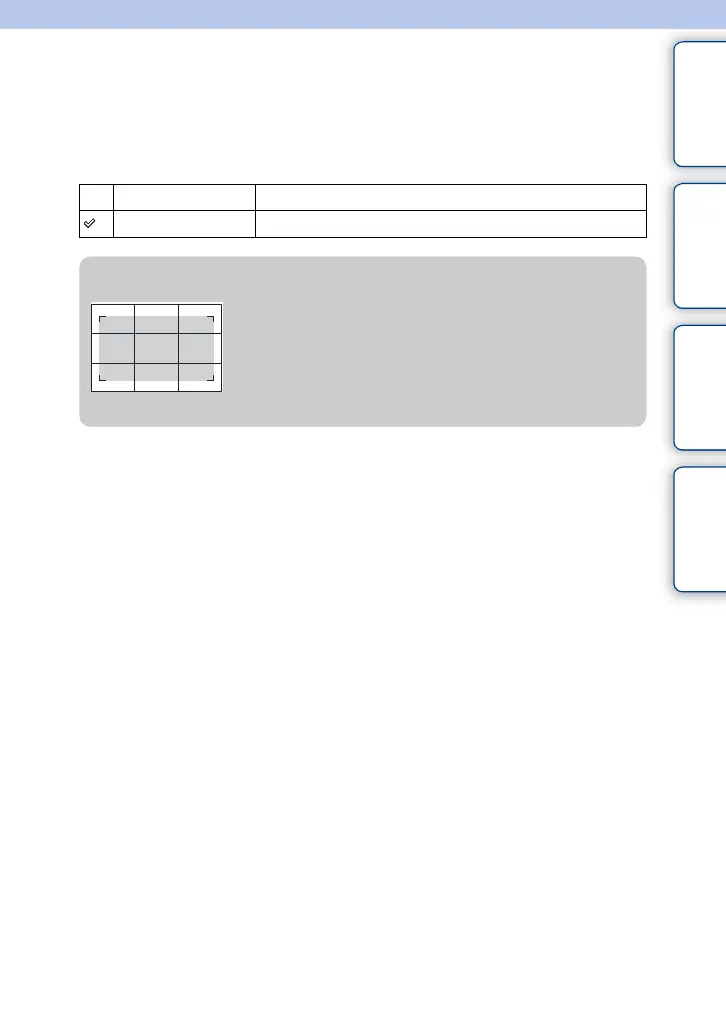
z Checking the frame for movie recording
Frame for movie
The frame that appears when [Grid Line] is set to [On]
will show to what extent your subject is included in the
frame. This enables you to adjust the composition by
moving closer or further away from your subject.





 To Next Page