~
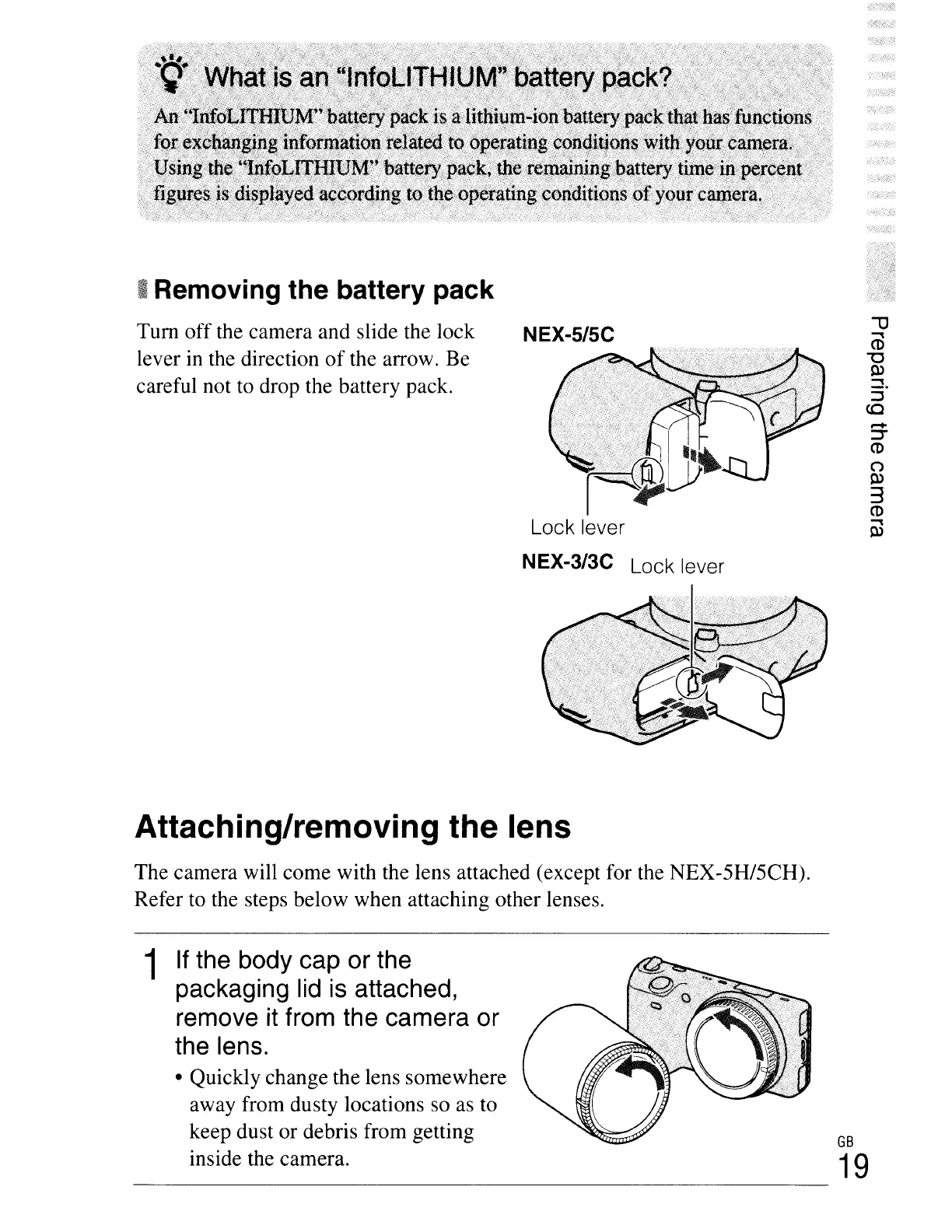
Removing the battery pack
Tum off the camera and slide the lock
lever in the direction
of
the arrow. Be
careful not to drop the battery pack.
NEX-S/SC
Lock lever
NEX-3/3C Lock lever
,....
:::J
CD
C"')
Q)
3
CD
..,
Q)
Attaching/removing the lens
The camera will come with the lens attached (except for the NEX-5H/5CH).
Refer to the steps below when attaching other lenses.
1
If
the
body
cap
or
the
packaging
lid
is
attached,
remove
it
from
the
camera
or
the
lens.
• Quickly change the lens somewhere
away from dusty locations so as to
keep dust or debris from getting
inside the camera.
GB
19





 To Next Page