2 Press DISP repeatedly to select the desired mode.
During shooting
Disp. Basic Info:
Shows basic shooting information. Graphically shows
the shutter speed and aperture value, except for when [Shoot Mode]
is
set
to [Intelligent Auto] or [Sweep Panorama].
Display Info.: Shows recording information.
No
Disp. Info.: Does not show recording information.
During playback
Display Info.: Shows recording information.
Histogram: Displays the luminance distribution graphically, in addition
to recording information.
No
Disp. Info.: Does not show recording information.
Shooting with various drive mode
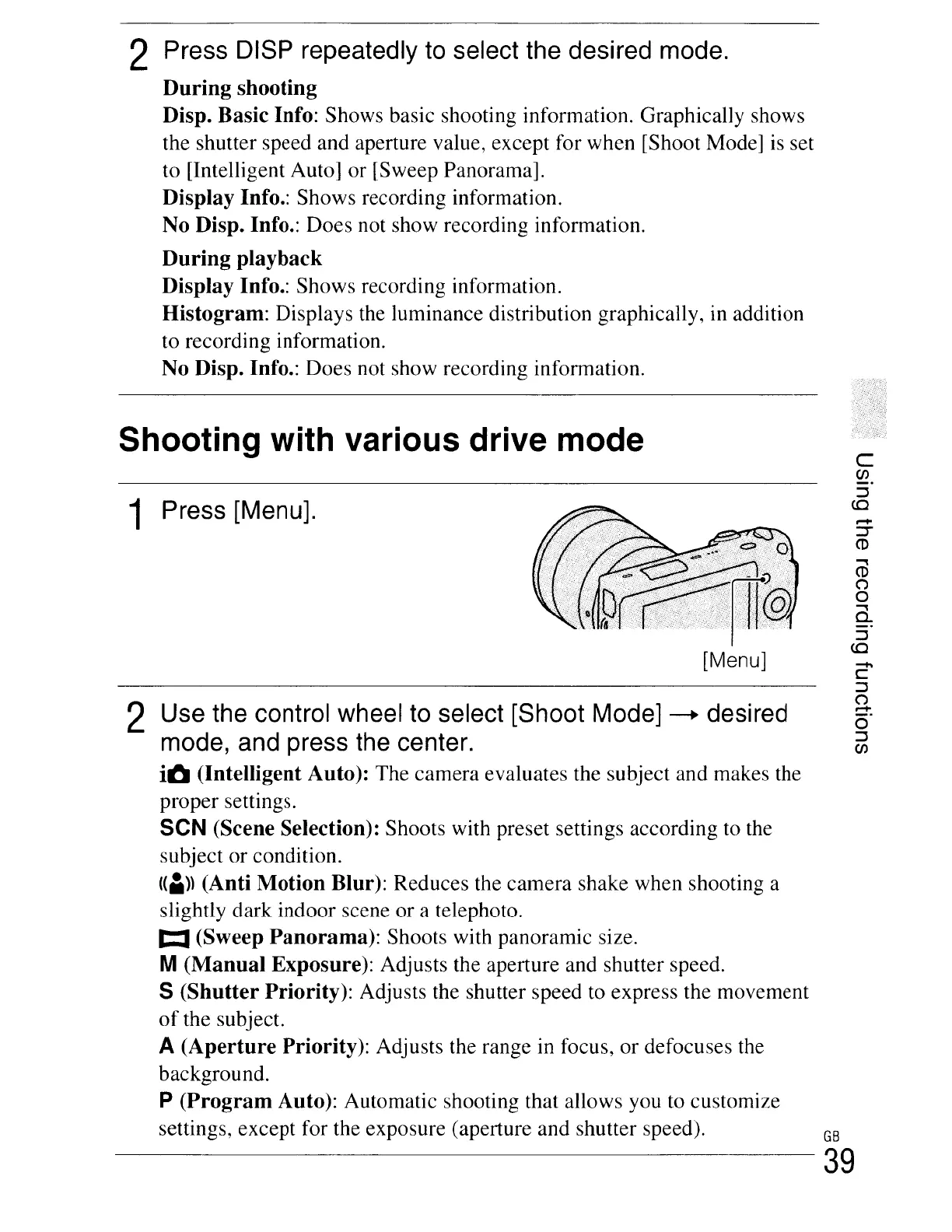
1 Press [Menu].
[Menu]
2 Use the control wheel to select [Shoot Mode]
-+
desired
mode, and press the center.
iO (Intelligent Auto): The camera evaluates the subject and makes the
proper settings.
SeN (Scene Selection): Shoots with preset settings according to the
subject or condition.
((I))
(Anti Motion Blur): Reduces the camera shake when shooting a
slightly dark indoor scene or a telephoto.
t:I
(Sweep Panorama): Shoots with panoramic size.
M(Manual Exposure): Adjusts the aperture and shutter speed.
S (Shutter Priority): Adjusts the shutter speed to express the movement
of
the subject.
A (Aperture Priority): Adjusts the range in focus, or defocuses the
background.
p (Program Auto): Automatic shooting that allows you to customize
settings, except for the exposure (aperture and shutter speed).
c
CJ)
::J
co
.,
CD
(')
o
.,
Q.
::J
co
-
C
::J
(')
r-+
o
::J
CJ)
GB
39





 To Next Page