Focusing on the face (Face Detection)
The camera detects the faces
of
your subjects and adjusts the focus on the face.
You can select the priority face to be focused on.
1
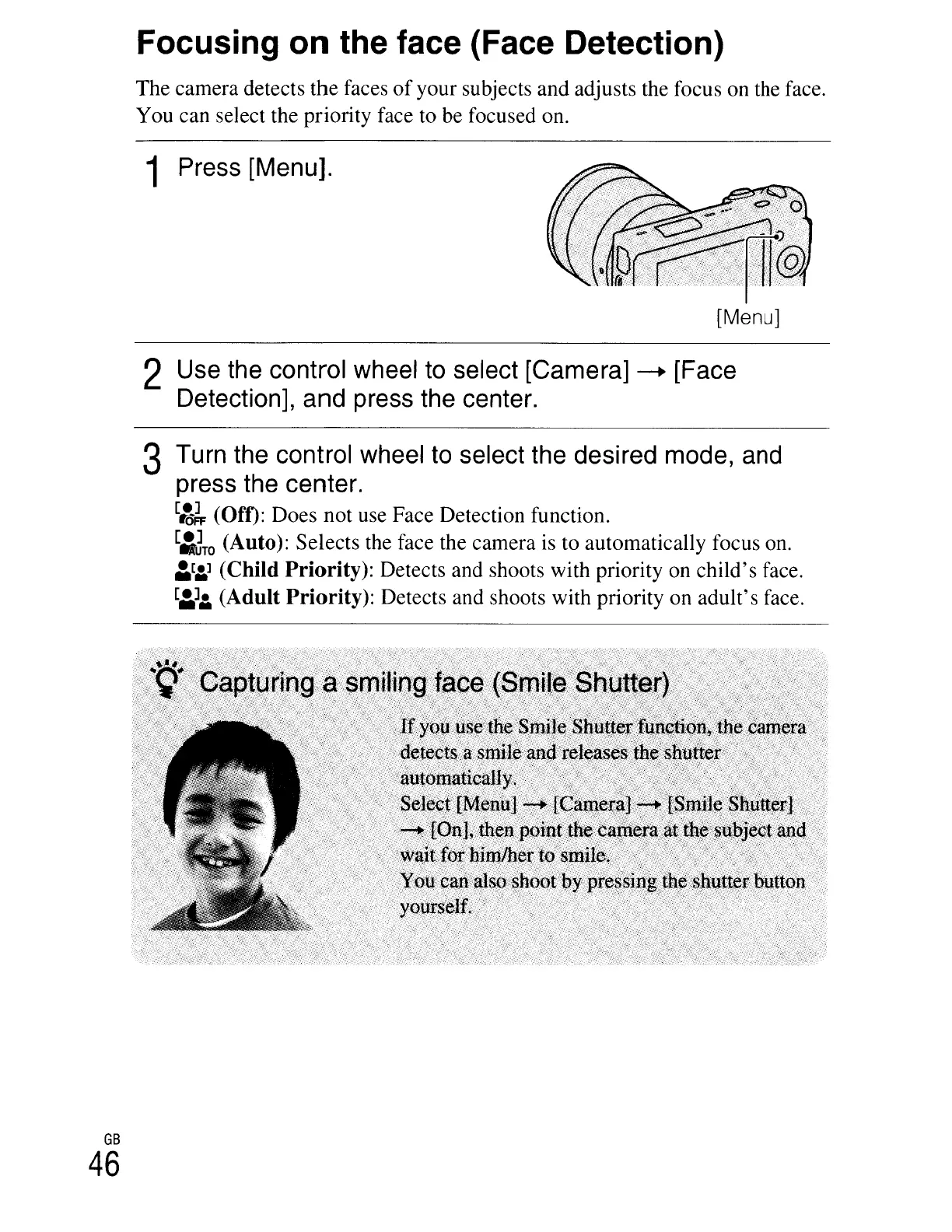
Press
[Menu].
GB
46
[Menu]
2
Use
the
control
wheel
to
select
[Camera]
-+
[Face
Detection],
and
press
the
center.
3
Turn
the
control
wheel
to
select
the
desired
mode,
and
press
the
center.
[~~
(Off): Does not use Face Detection function.
[:Jro
(Auto): Selects the face the camera is to automatically focus on.
~[:.]
(Child Priority): Detects and shoots with priority on child's face.
[~]:.
(Adult Priority): Detects and shoots with priority on adult's face.





 To Next Page