41
GB
Table of
contents
Sample photo
search
Menu search
Index
Intelligent Auto
The camera analyzes the subject, and allows you to shoot with appropriate settings.
• [Flash Mode] is set to [Autoflash] or [Flash Off].
• You can shoot even if the camera has not recognized the scene.
• When [Face Detection] is set to [Off], the [Portrait], [Backlight Portrait], and [Night Portrait] scenes are
not recognized.
1 [Menu] t [Shoot Mode] t [Intelligent
Auto].
2 Point the camera to the subject.
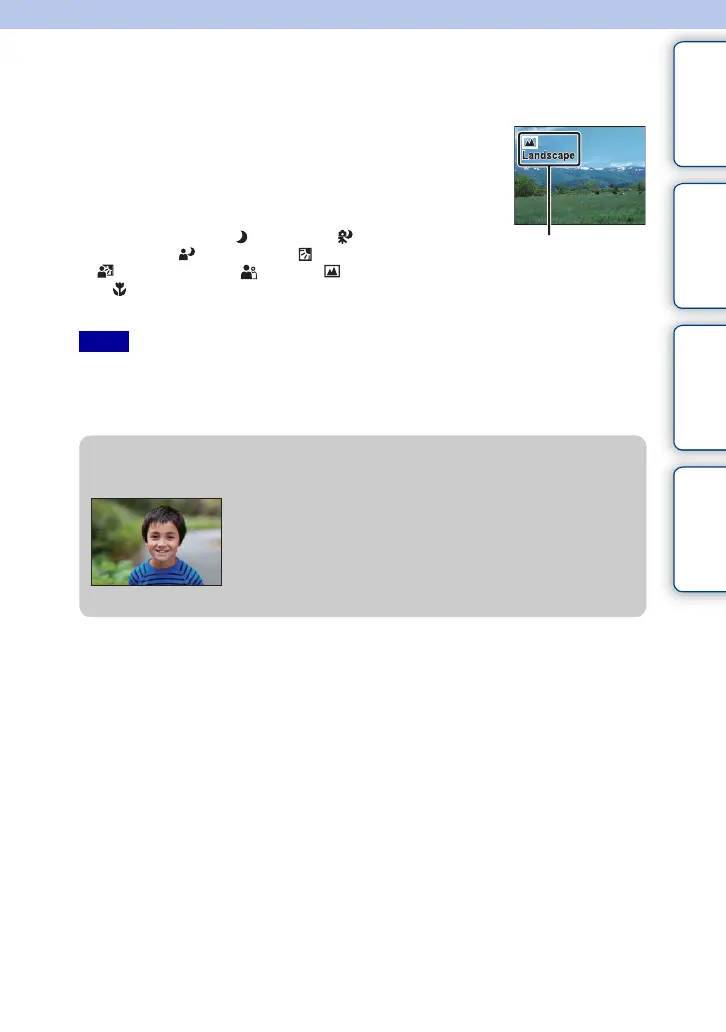
When the camera recognizes the scene, the Scene
Recognition icon and guide appear on the screen.
The camera recognizes (Night View), (Tripod
Night View), (Night Portrait), (Backlight),
(Backlight Portrait), (Portrait), (Landscape),
or (Macro).
Scene Recognition icon and guide
Notes
z Defocusing the background easily
During Intelligent Auto recording, you can defocus the
background. Press the center of the control wheel and
turn the control wheel.
When the Scene Recognition function is enabled, the
camera analyzes the scene when you press the center of
the control wheel, and uses it as the Recognized Scene.
Continued r





 To Next Page