Using the control wheel and soft keys
The control wheel and soft keys allow you to use various functions
of
the
camera.
I Control wheel
When shooting, DISP (Display Contents),
~
(Flash Mode),
~
(Exposure
Comp.) and
~
/
Qj
(Drive Mode) functions are assigned to the control wheel.
When playing back, DISP (Display Contents) and
~
(Image Index) functions
are assigned to the control wheel.
When you tum or press the right/left/top/bottom parts
of
the control wheel
following the on-screen display, you can select setting items. Your selection is
determined when you press the center
of
the control wheel.
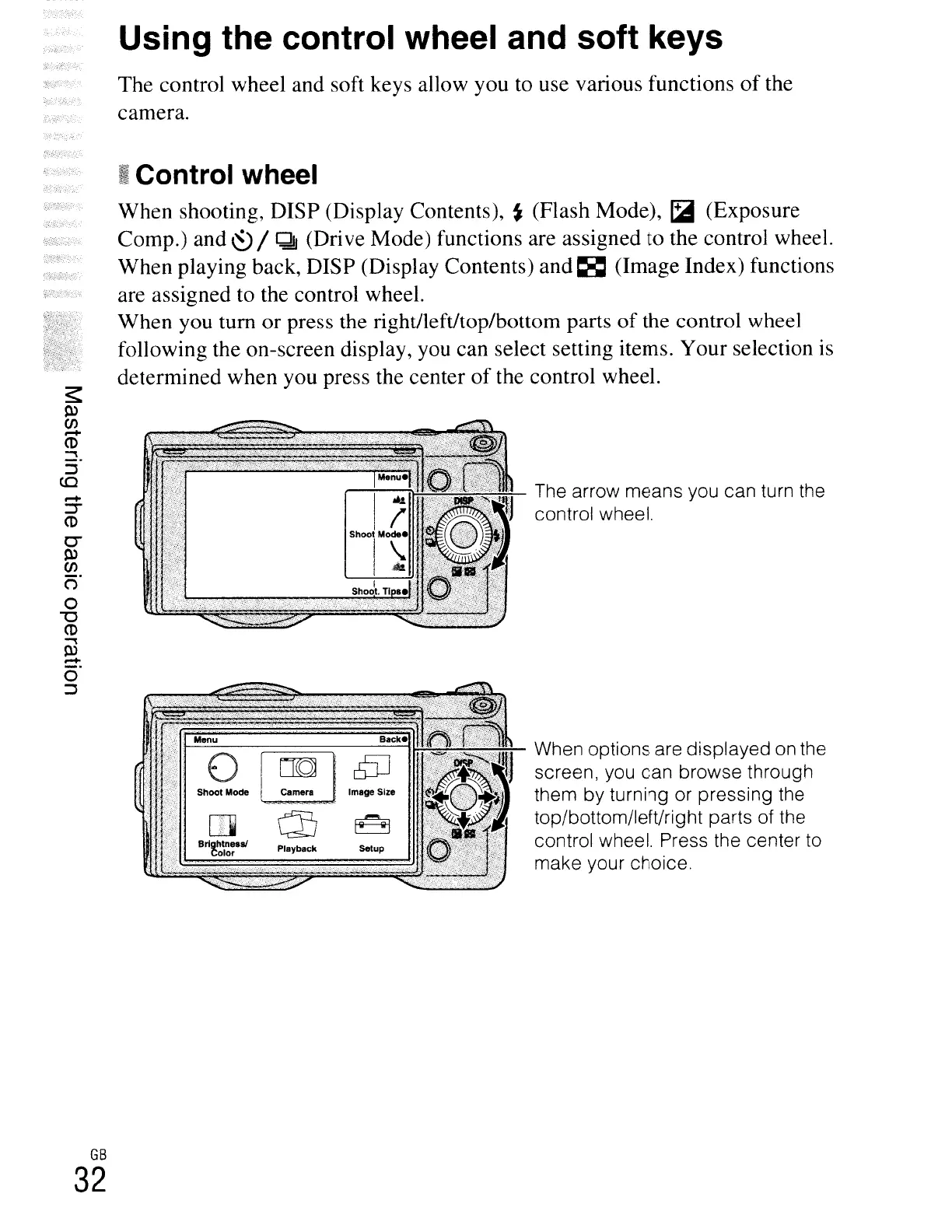
The arrow means you can turn the
control wheel.
When options are displayed
on
the
screen, you can browse through
them by turning or pressing the
top/bottom/left/right parts of the
control wheel. Press the center
to
make your choice.
s:
0>
(j)
.-..
CD
~.
:J
CO
.-..
:T
CD
C-
O>
(j)
()
o
"'0
CD
~
0>
.-..
o
:J
GB
32





 To Next Page