• The sound of the camera and the lens in operation might be recorded while
recording a movie. You can disable the sound recording by selecting [Menu]
~
[Setup]
~
[Movie Audio Rec]
~
[Off] (page 32, 54).
• The angle
of
view
of
movies is narrower than that of still images. After you press
the MOVIE button, the camera shows the actual range
to
be recorded by
displaying
an
empty frame on the screen.
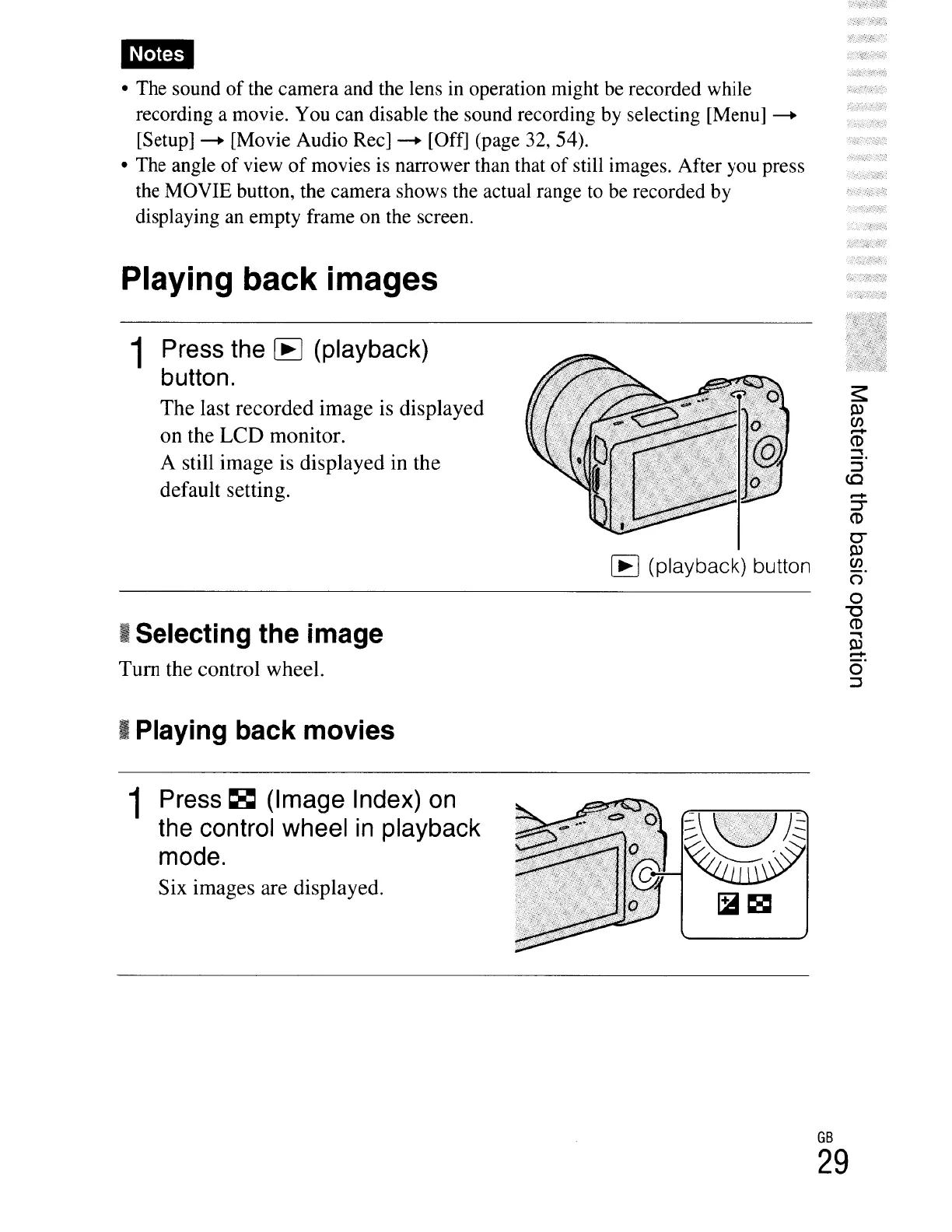
Playing back images
1
Press
the
[E
(playback)
button.
The
last
recorded
image
is displayed
on
the
LCD
monitor.
A still
image
is displayed in the
default setting.
L8
(playback) button
I Selecting the image
Tum
the control wheel.
I Playing back movies
.-+
~
CD
0"
Pl
en
(")
o
"'0
CD
tu
.-+
0"
::J
1
Press
~
(Image
Index)
on
the
control
wheel
in
playback
mode.
Six images are displayed.
GB
29





 To Next Page