Defocusing the background easily
(Background Defocus Control)
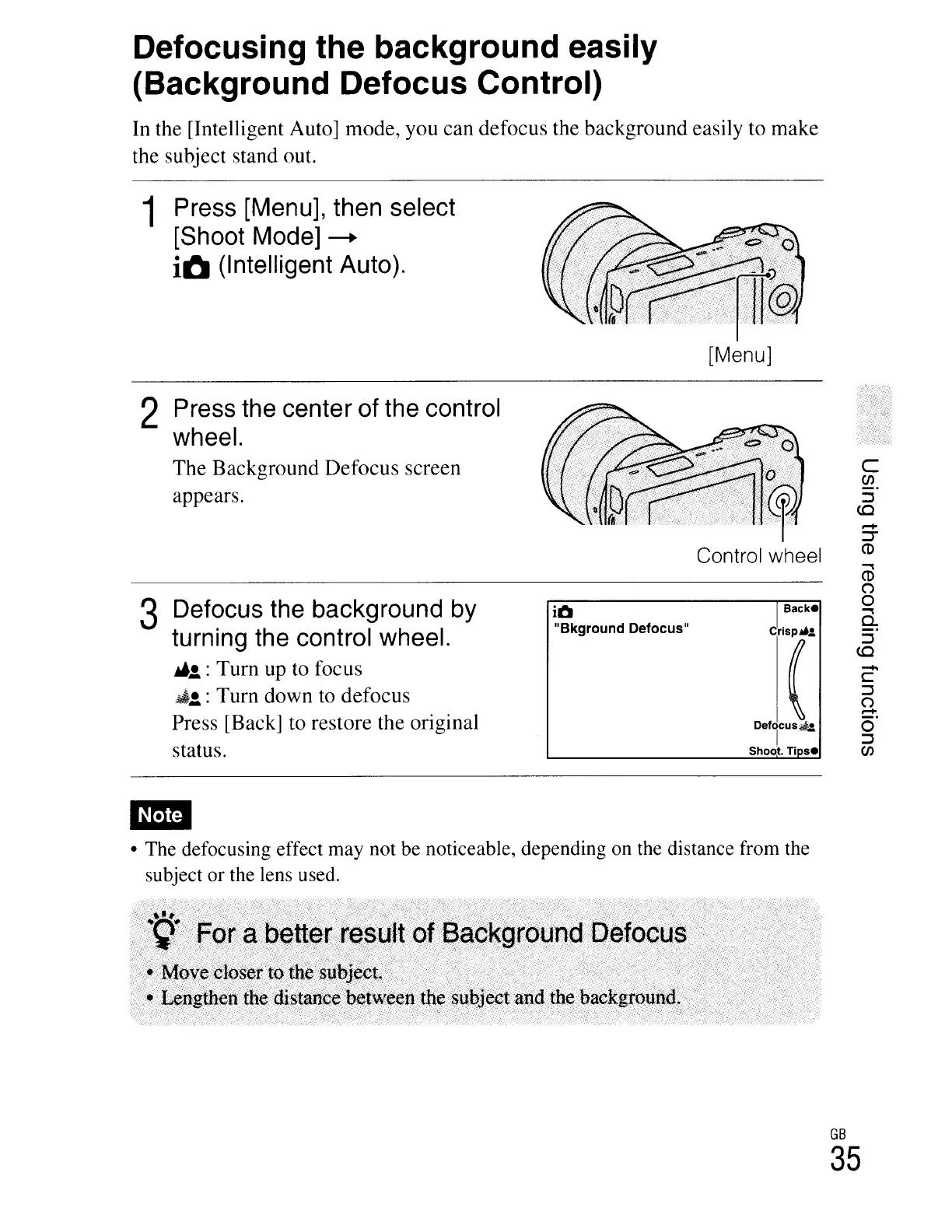
In the [Intelligent Auto] mode, you can defocus the background easily to make
the subject stand out.
1 Press [Menu], then select
[Shoot Mode]
---+
iO
(Intelligent Auto).
[Menu]
2 Press the center of the control
wheel.
The Background Defocus screen
appears.
3 Defocus the background by
turning the control wheel.
~!.
: Turn up to focus
~!.
: Turn down to defocus
Press [Back] to restore the original
status.
iO
"Bkground Defocus"
Backe
e'r
DefTUS*
Shoot.
Ti
se
c
CJ)
::::J
<C
.,
CD
(")
o
a.
::::J
<C
-
C
::::J
(")
--
Cr
::::J
CJ)
• The defocusing effect may not be noticeable, depending on the distance from the
subject
or
the lens used.
GB
35





 To Next Page