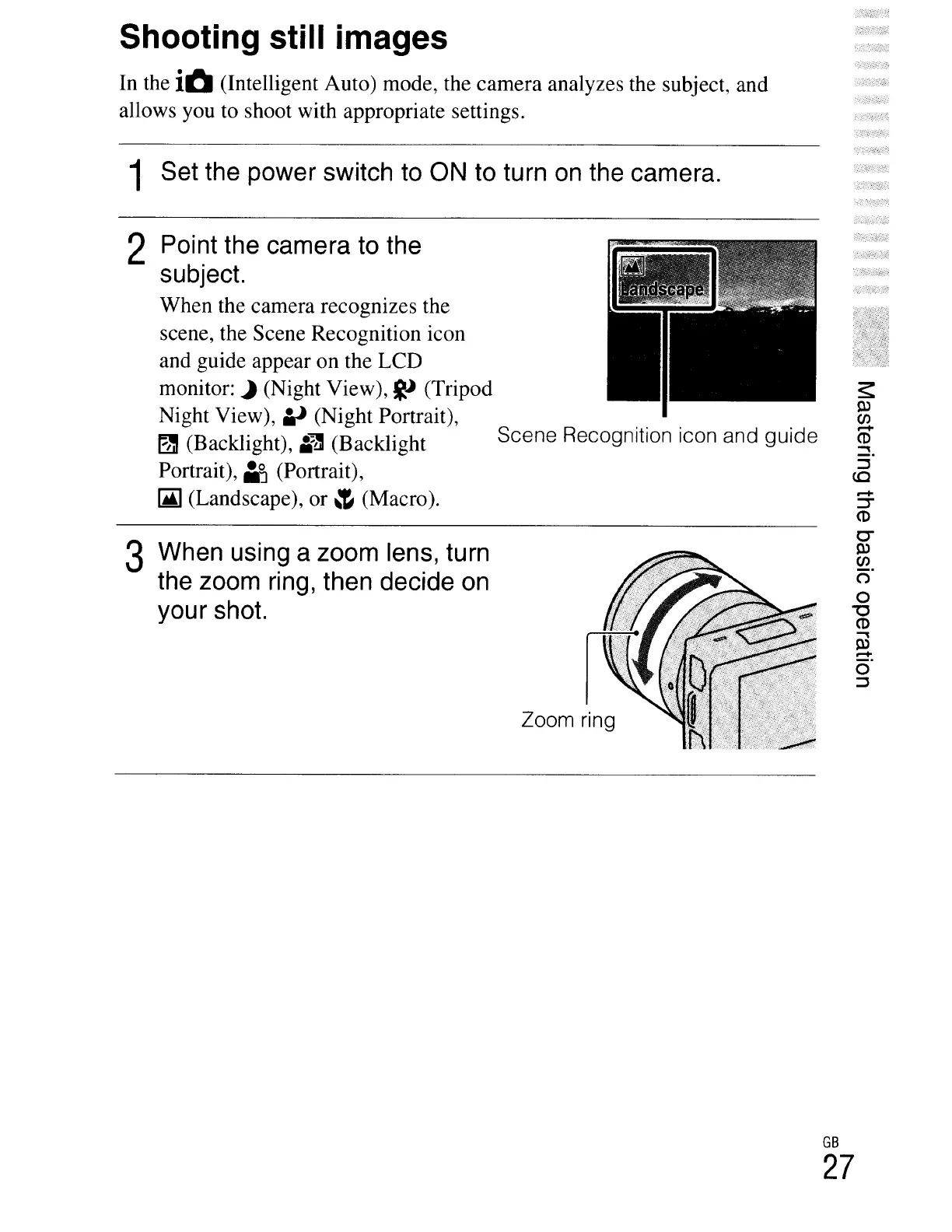
Zoom ring
2 Point the camera to the
subject.
When the camera recognizes the
scene, the Scene Recognition icon
and guide appear on the LCD
monitor:
~
(Night View),
~
(Tripod
Night View),
.v
(Night Portrait),
~
(Backlight),
Ii""]
(Backlight Scene Recognition icon and guide
Portrait),
laJ
(Portrait),
(Ai)
(Landscape), or
~
(Macro).
3 When using a zoom lens,
tu
rn
the zoom ring, then decide
on
your shot.
1 Set the power switch to ON to turn on the camera.
Shooting still images
In the iO (Intelligent Auto) mode, the camera analyzes the subject, and
allows you to shoot with appropriate settings.
GB
27





 To Next Page