91
GB
Table of
contents
Sample photo
search
Menu search
Index
Histogram
Sets whether the histogram is displayed or not. The histogram displays the luminance
distribution that shows how many pixels of a particular brightness exist in the image.
1 [Menu] t [Setup] t [Histogram] t desired setting.
• You cannot display the histogram when using [Sweep Panorama].
On Displays the histogram.
Off Does not display the histogram.
Note
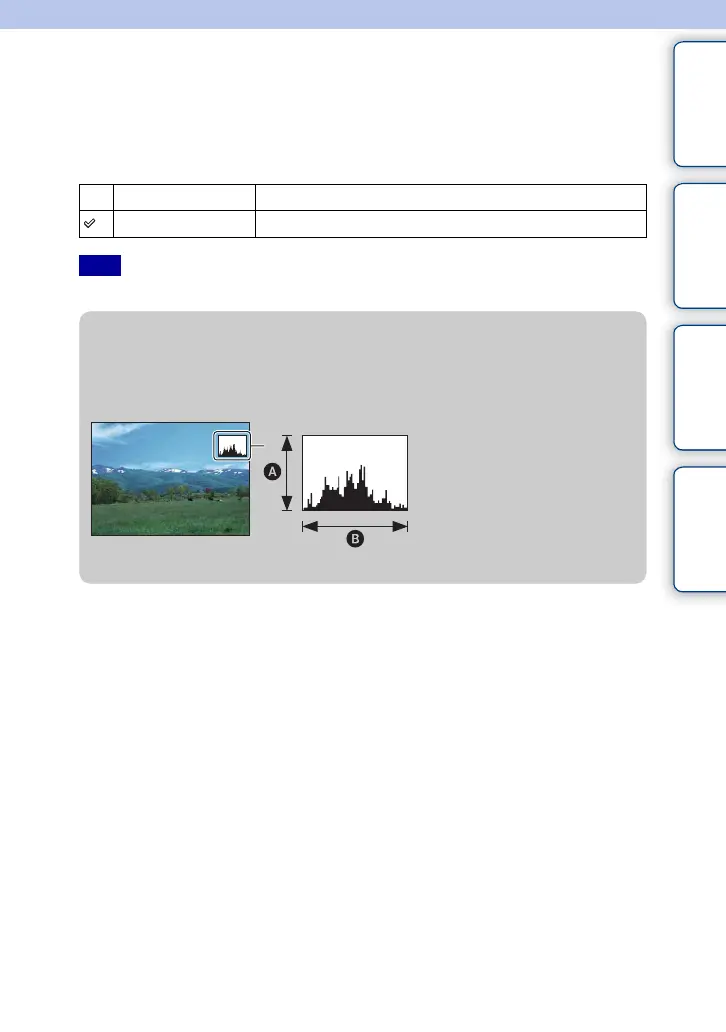
z What is histogram
The histogram displays the luminance distribution that shows how many pixels of a
particular brightness exist in the picture. Brighter image will make the entire histogram shift
to the right side, and darker image to the left side.
Dark Bright
A Number of pixels
B Brightness





 To Next Page