83
GB
Table of
contents
Sample photo
search
Menu search
Index
Protect
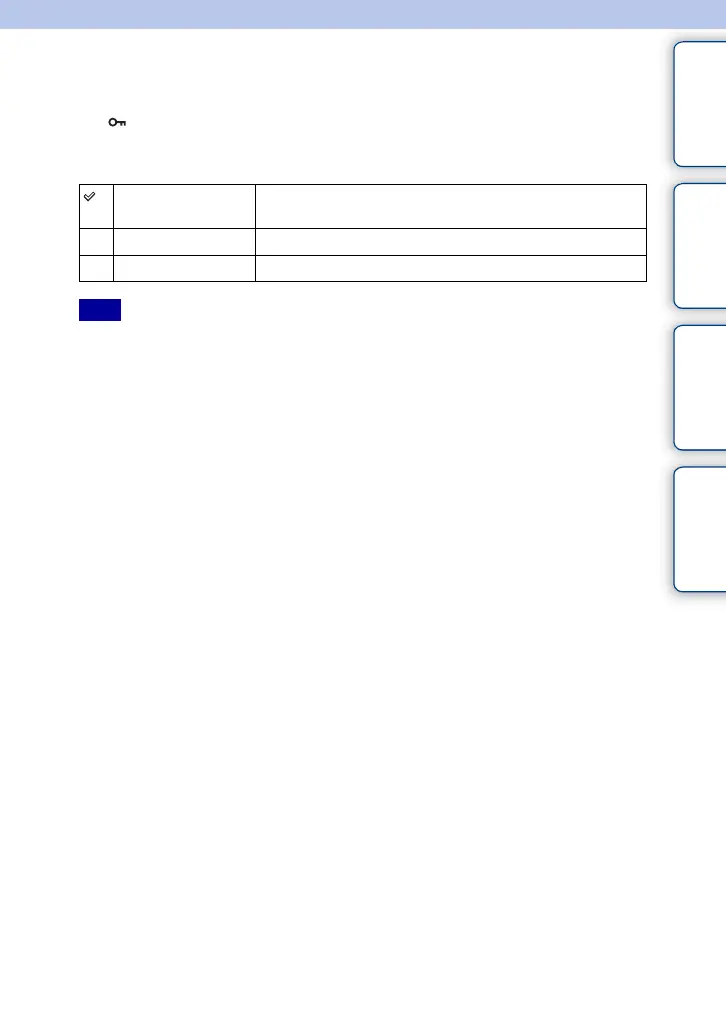
Protects recorded images against accidental erasure.
The mark is displayed for registered images.
1 [Menu] t [Playback] t [Protect] t desired mode.
• You can protect up to 100 images at a time.
Multiple Img. Applies or cancels the protection of the selected images. Press
the center to confirm [Select] and [OK].
Cancel All Images Cancels the protection of all still images.
Cancel All Movies Cancels the protection of all movies.
Note





 To Next Page